













Peak Eye | PeakX EN
Peak Eye | PeakX

PeakX is an SPM (Security Posture Management) tool. It enables you to manage all your security operations from a single location:

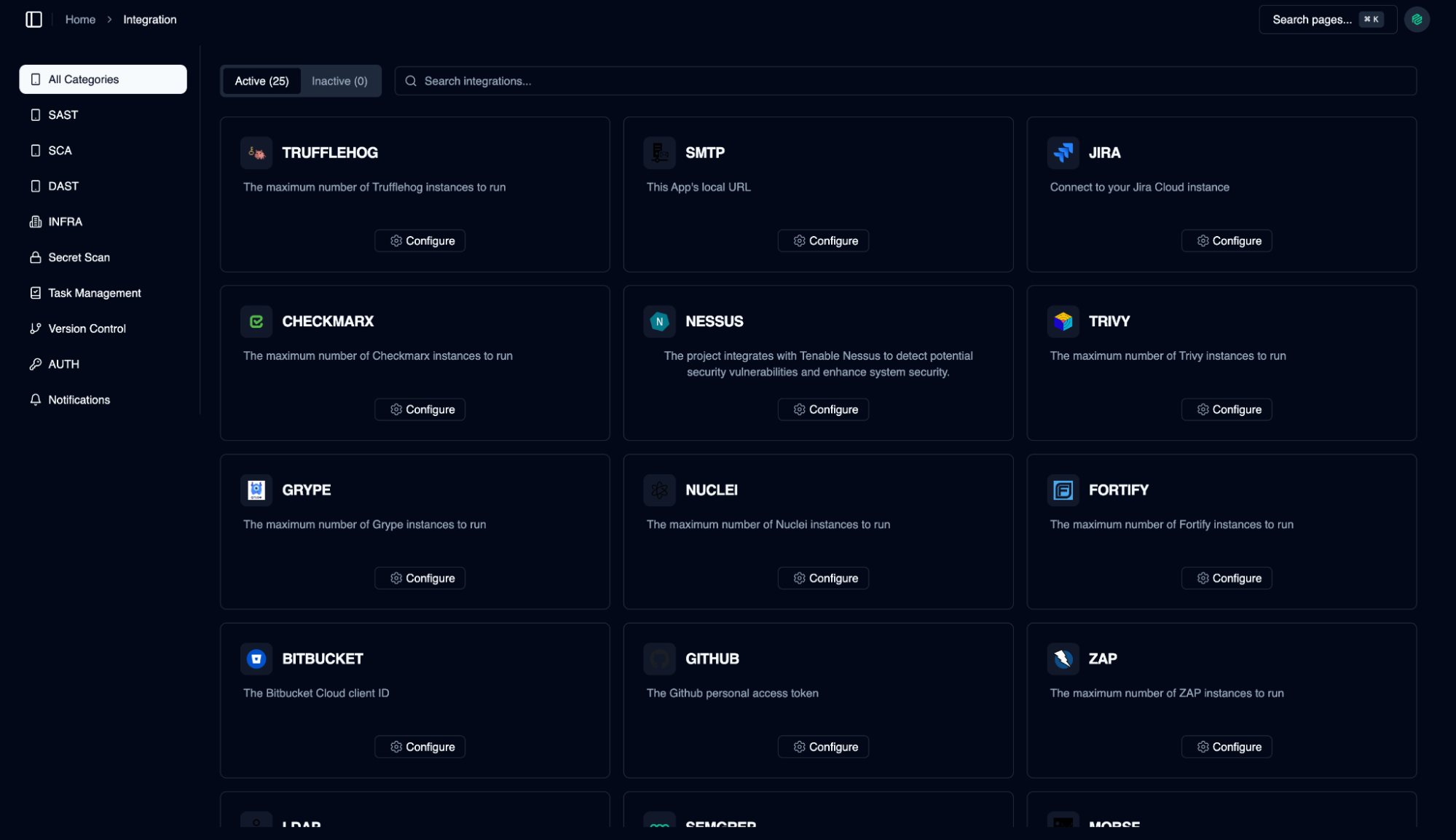
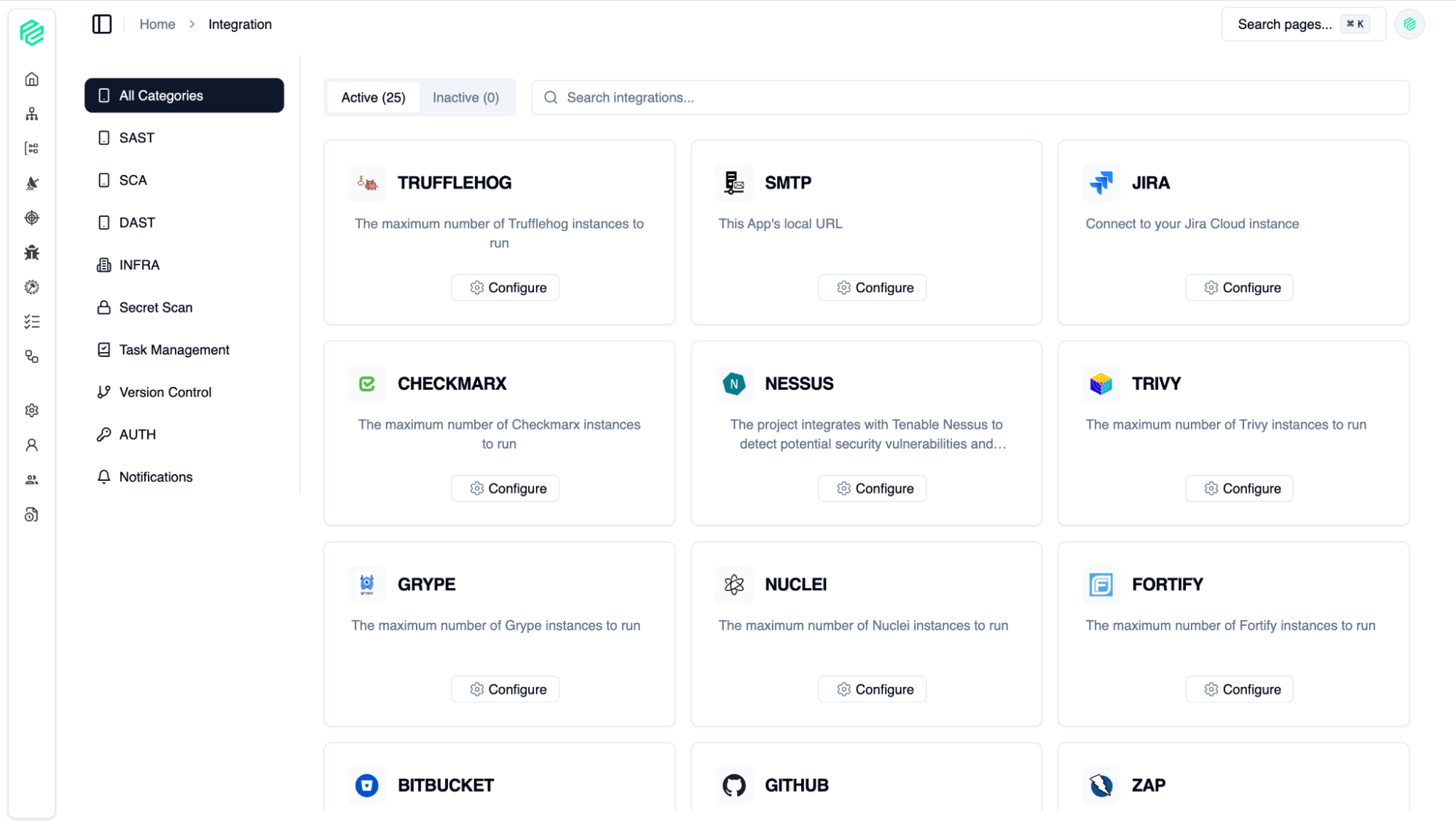
  • Extensive Tool Integration: Works seamlessly with various security tools such as SAST, DAST, SCA, IaC, Sensitive Data Scanners, Authentication, and Task Management applications.
  • Vulnerability Management: Enables you to manage and consolidate all security vulnerabilities, issues, and findings from a single control panel.
  • Asset and Team Management: You can find all your digital assets, organize them into groups, and assign them to the right teams.
  • Easy to Use in CI/CD: By integrating PeakSPM into your software development lifecycle, you can ensure that all your development processes are secure.
  • Custom Workflows: You can create your own workflows and issue templates to automate your processes.

In short, PeakX simplifies your security operations and gives you complete control.

Screenshots
Peak Eye | PeakX
Dark
Peak Eye | PeakX
light
Peak Eye | PeakX
Dark
Peak Eye | PeakX
light
Peak Eye | PeakX
Dark
Peak Eye | PeakX
light
Peak Eye | PeakX
Dark
Peak Eye | PeakX
light
Peak Eye | PeakX
Dark
Peak Eye | PeakX
light
Peak Eye | PeakX
Dark
Peak Eye | PeakX
light
Peak Eye | PeakX
Dark
Peak Eye | PeakX
light
Peak Eye | PeakX
Dark
Peak Eye | PeakX
light
Peak Eye | PeakX
Dark
Peak Eye | PeakX
light
Peak Eye | PeakX
Dark
Peak Eye | PeakX
light
Peak Eye | PeakX
Dark
Peak Eye | PeakX
light
Peak Eye | PeakX
Dark
Peak Eye | PeakX
light
Peak Eye | PeakX
Dark
Peak Eye | PeakX
light
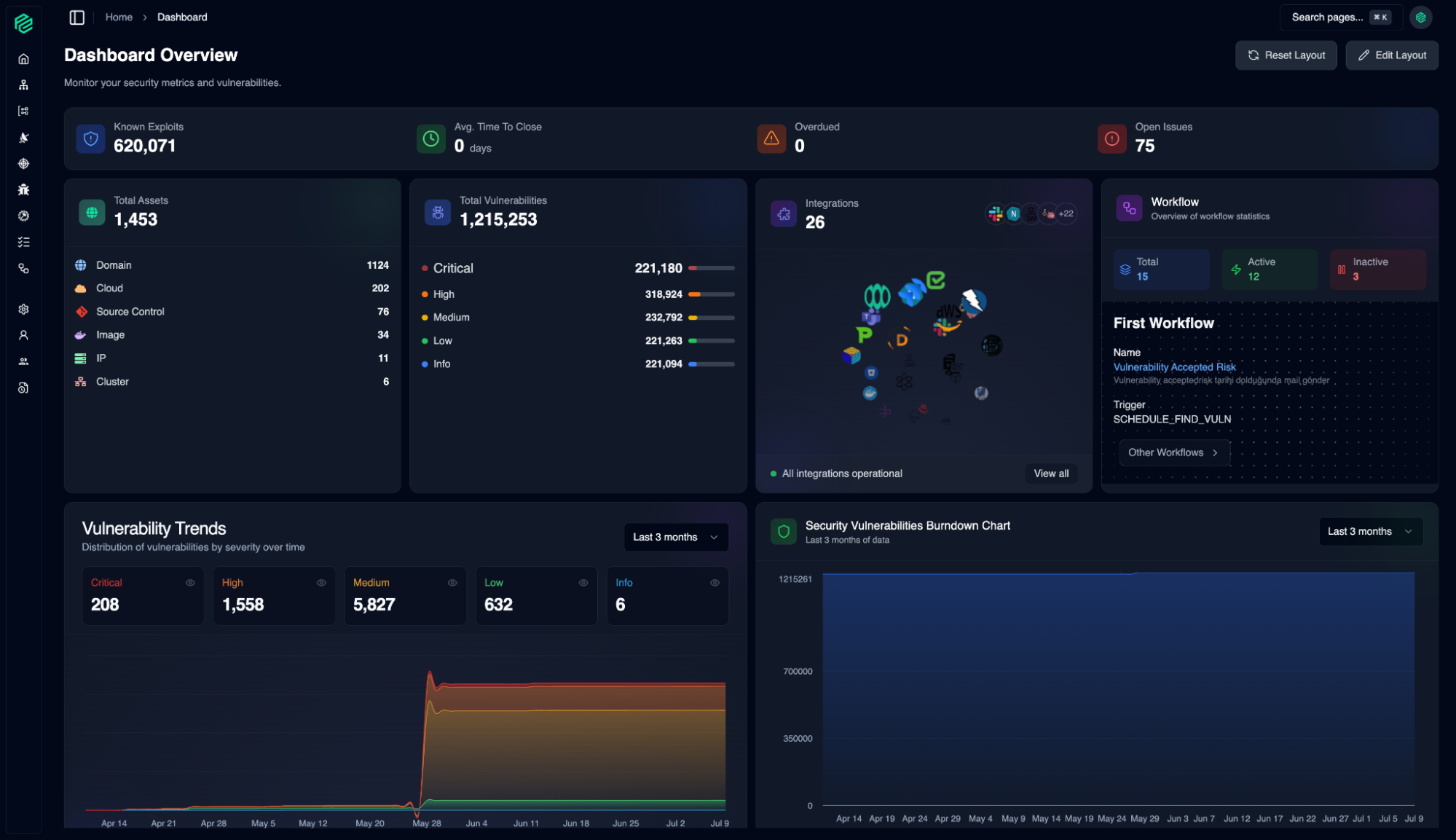
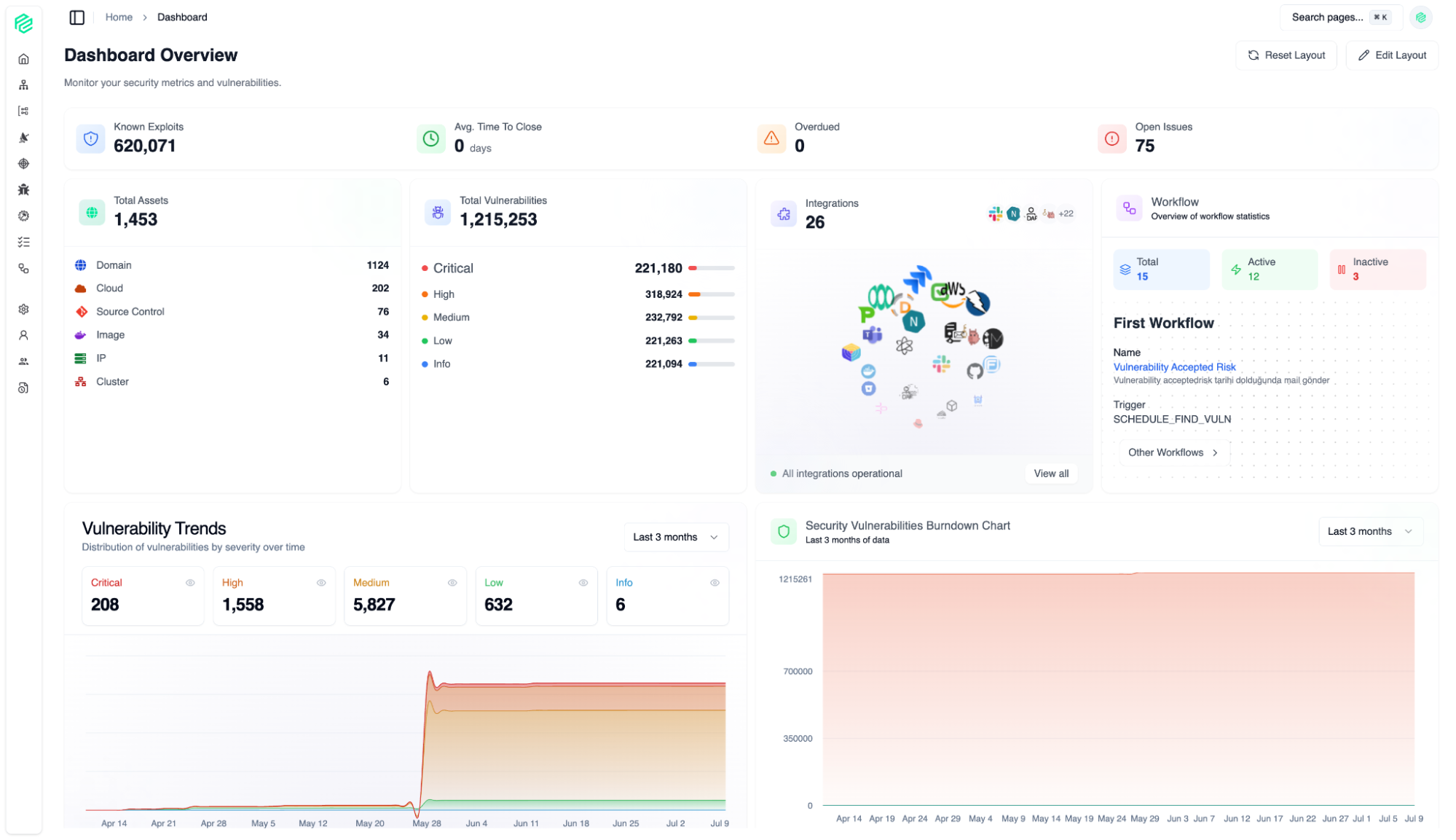
Dashboard
01
With a fully customizable layout, you can tailor this control panel to your priorities and instantly focus on the data you need most.
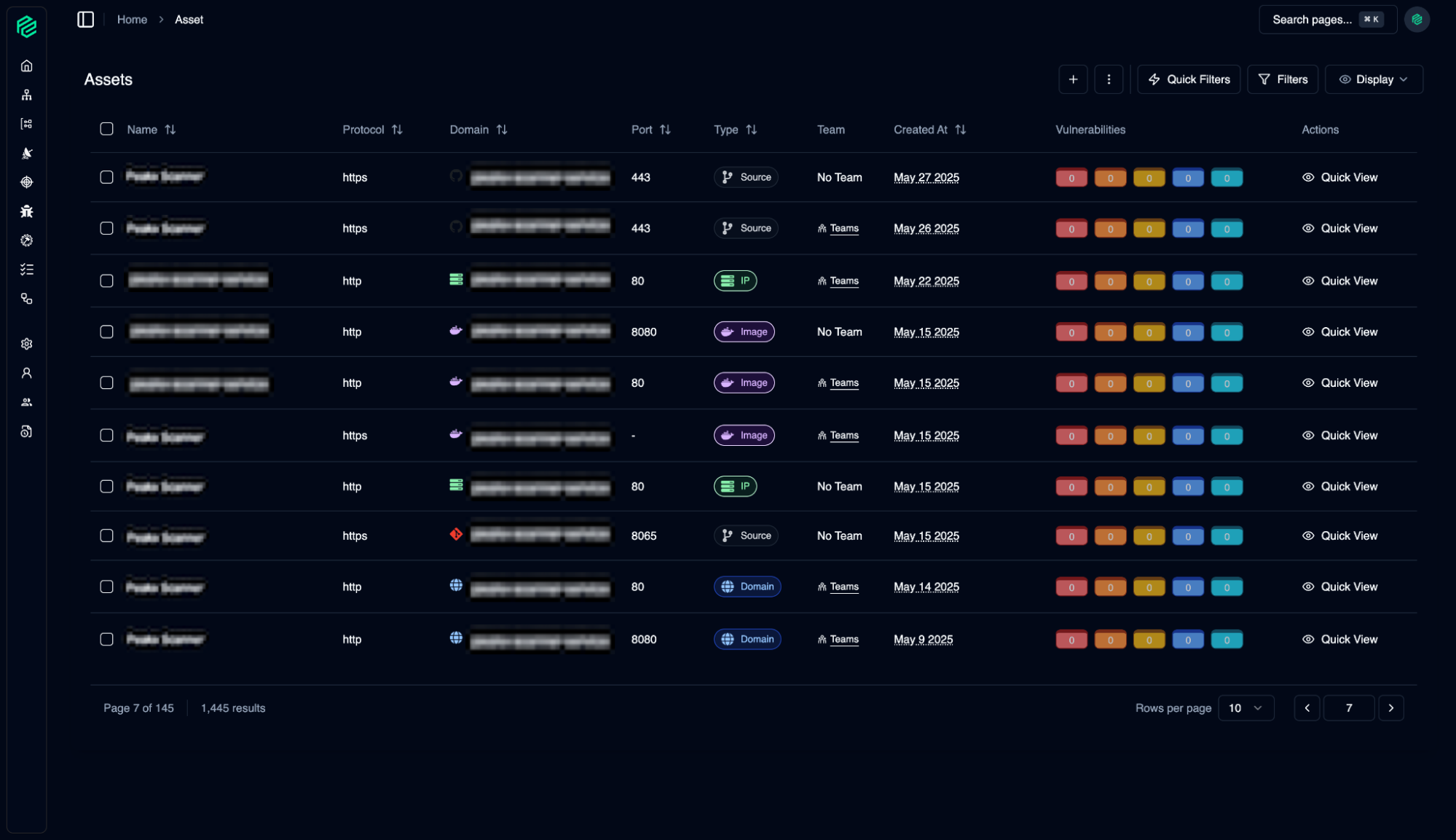
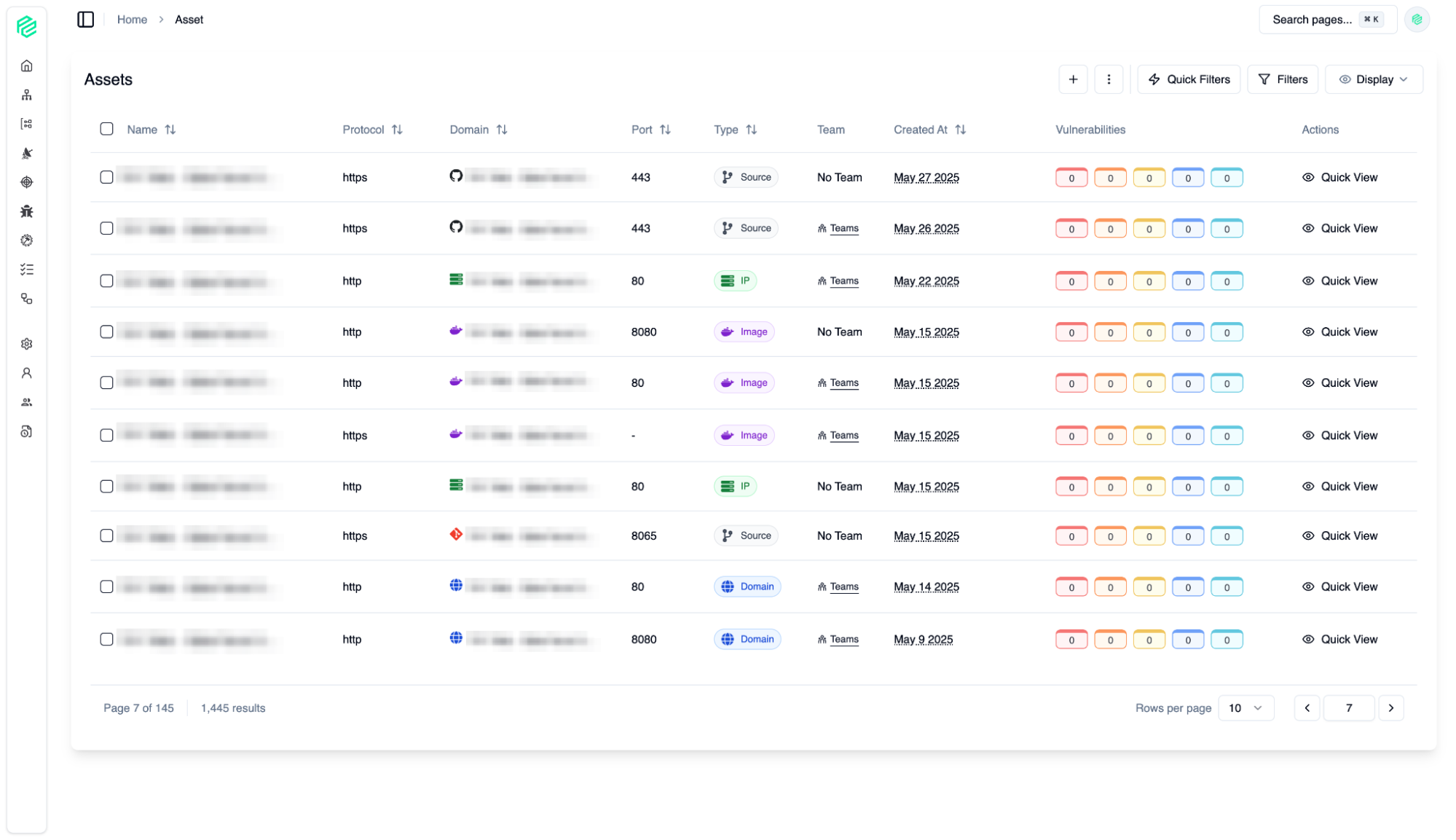
Assets
02
The Asset Page is the central inventory of all your organization's digital assets (Domain, Source Control, IP, Image, Cluster, Cloud). From here, you can easily view, search, and filter all your assets.
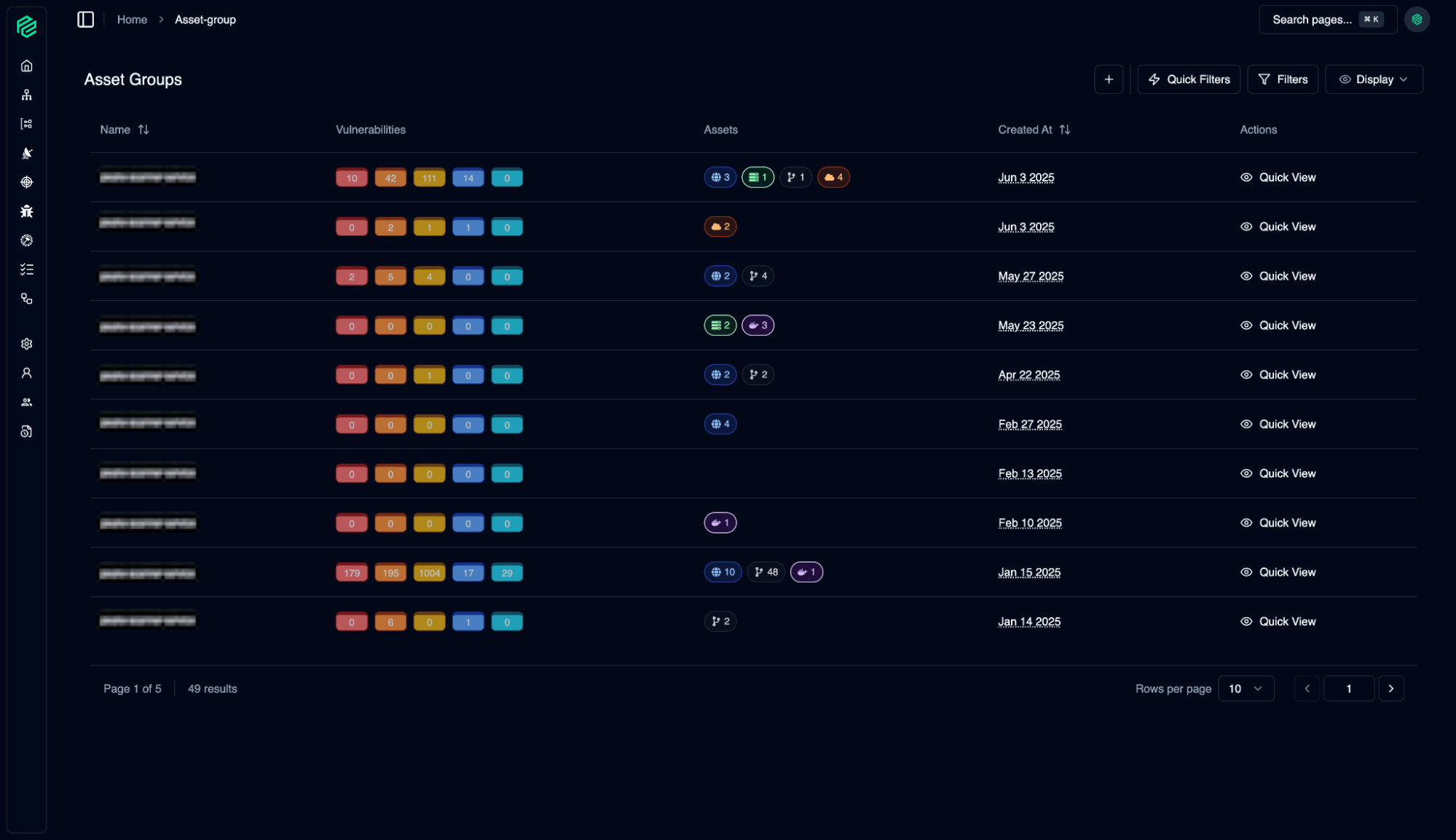
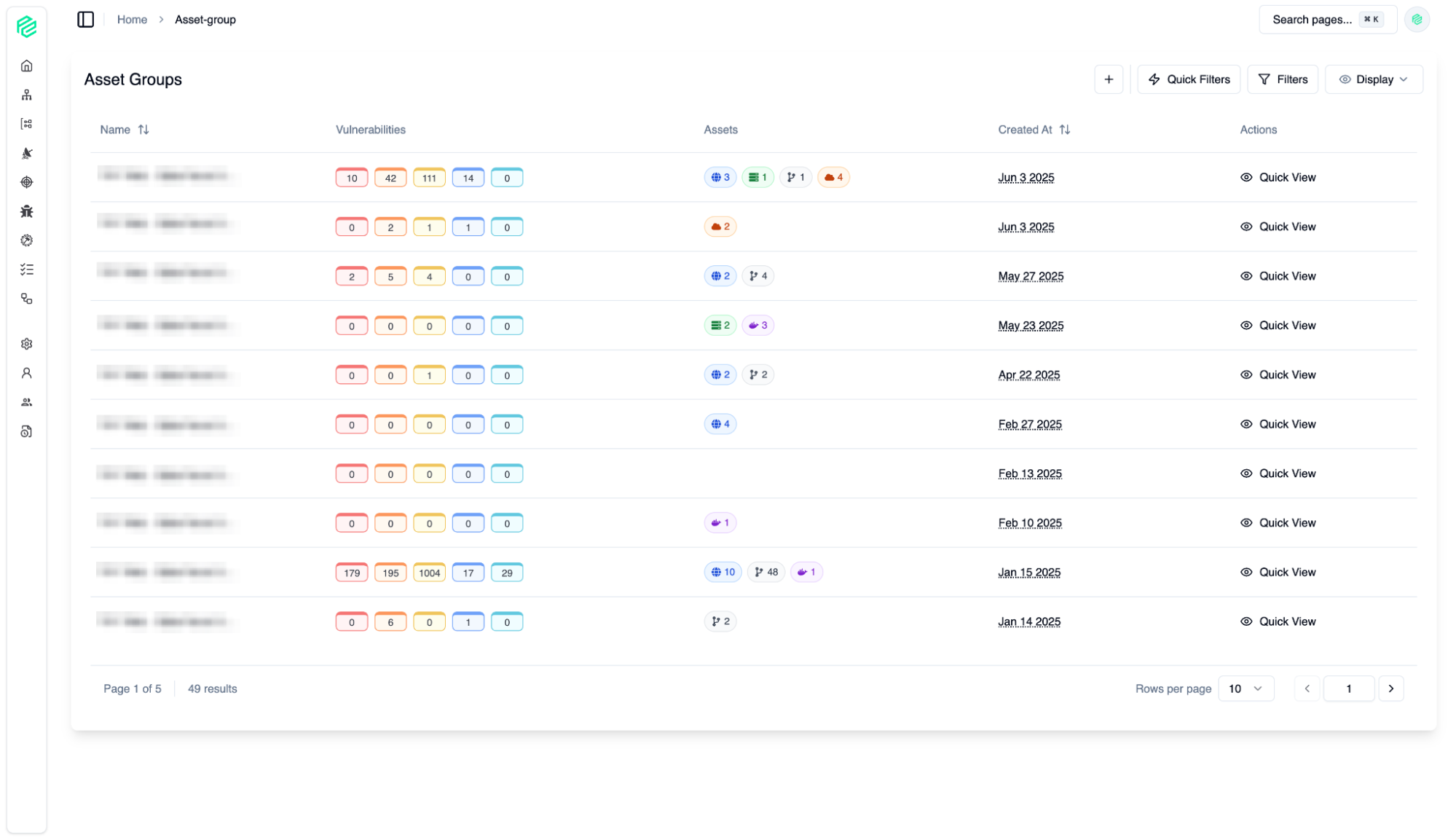
Asset Groups
03
The Asset Group feature allows you to manage hundreds or thousands of assets in logical units.
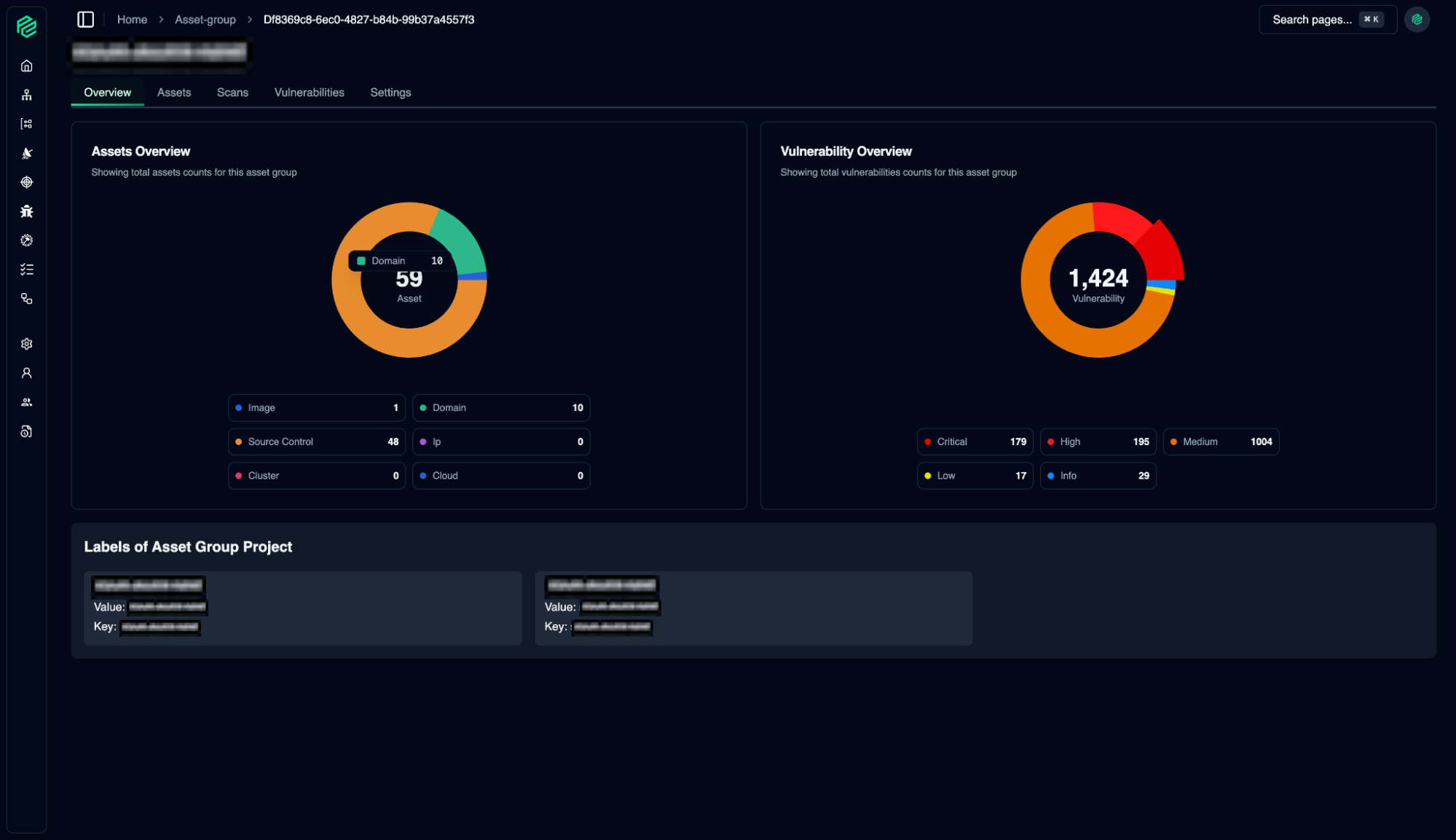
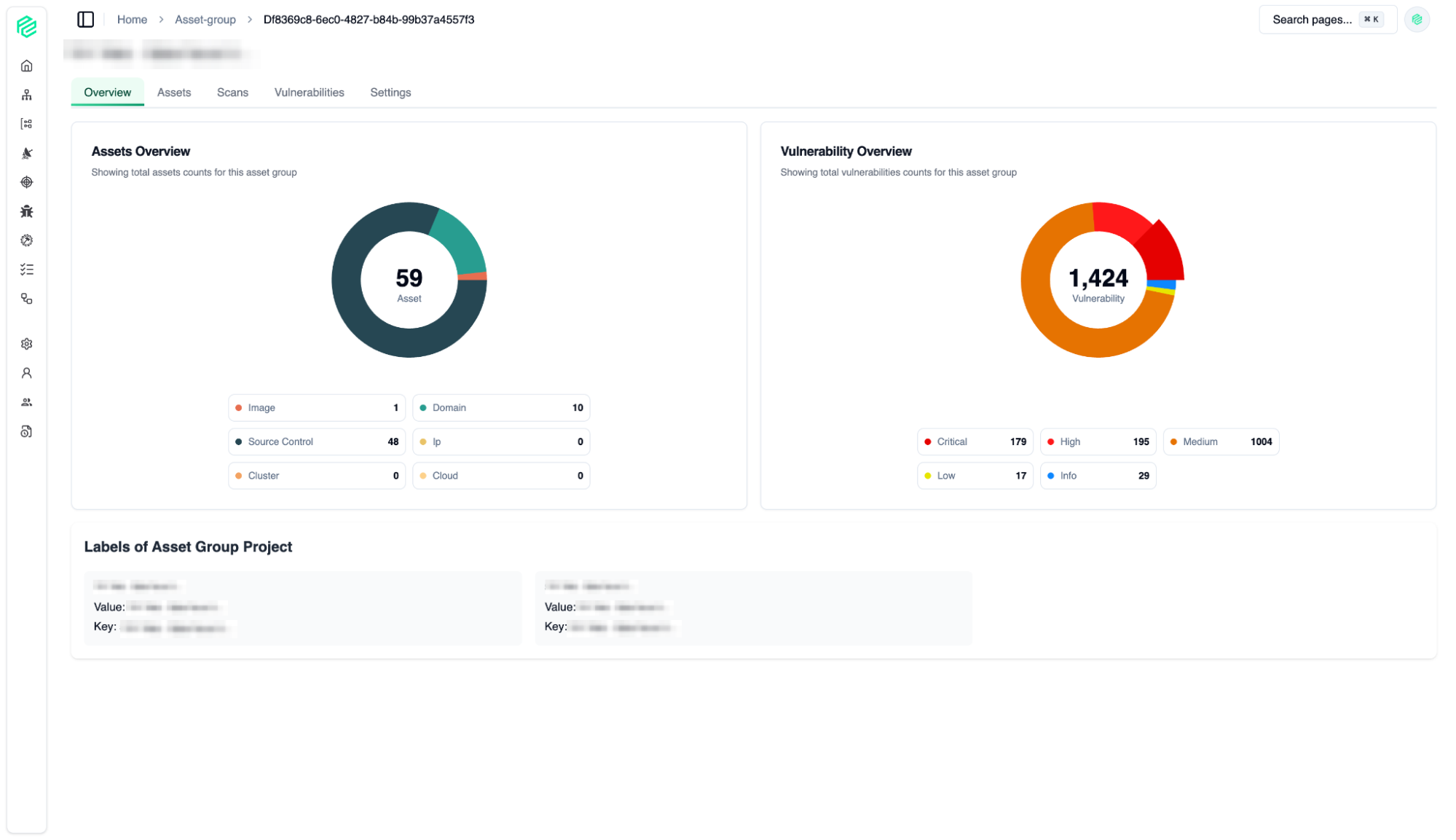
Assets Overview
04
The Asset Group feature allows you to manage hundreds or thousands of assets in logical units.
Integration
05
Extensive integration options
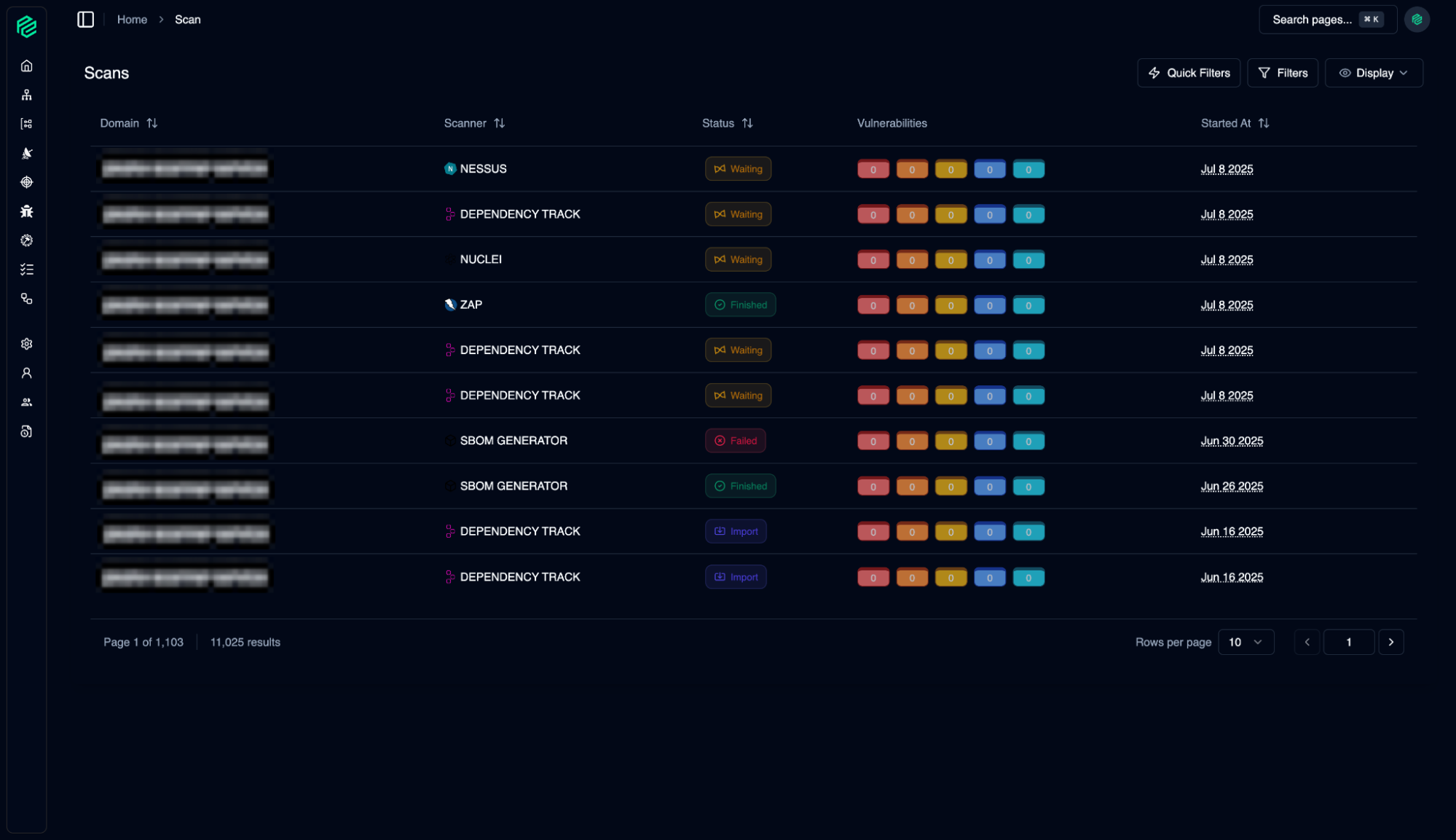
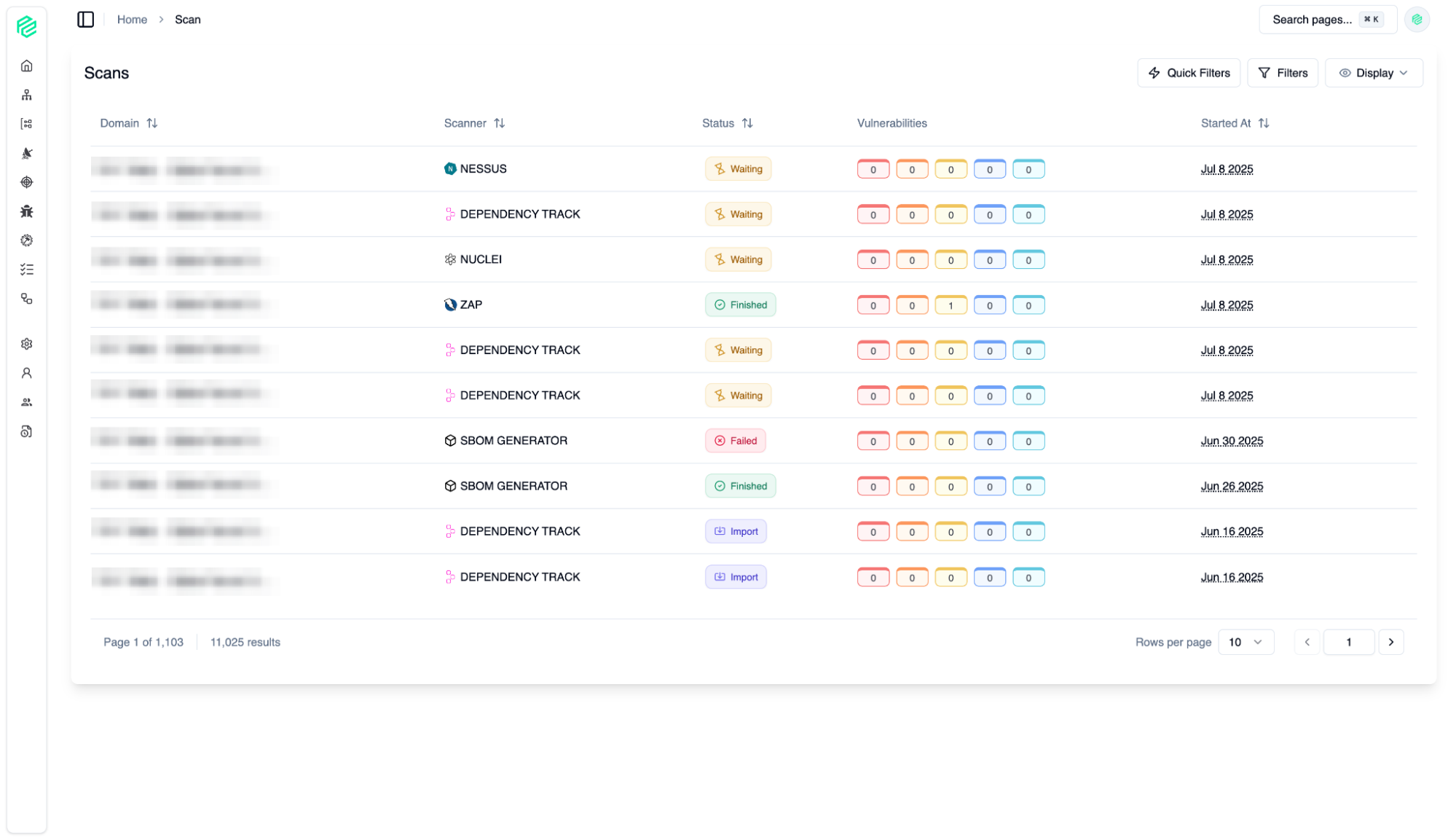
Scan
06
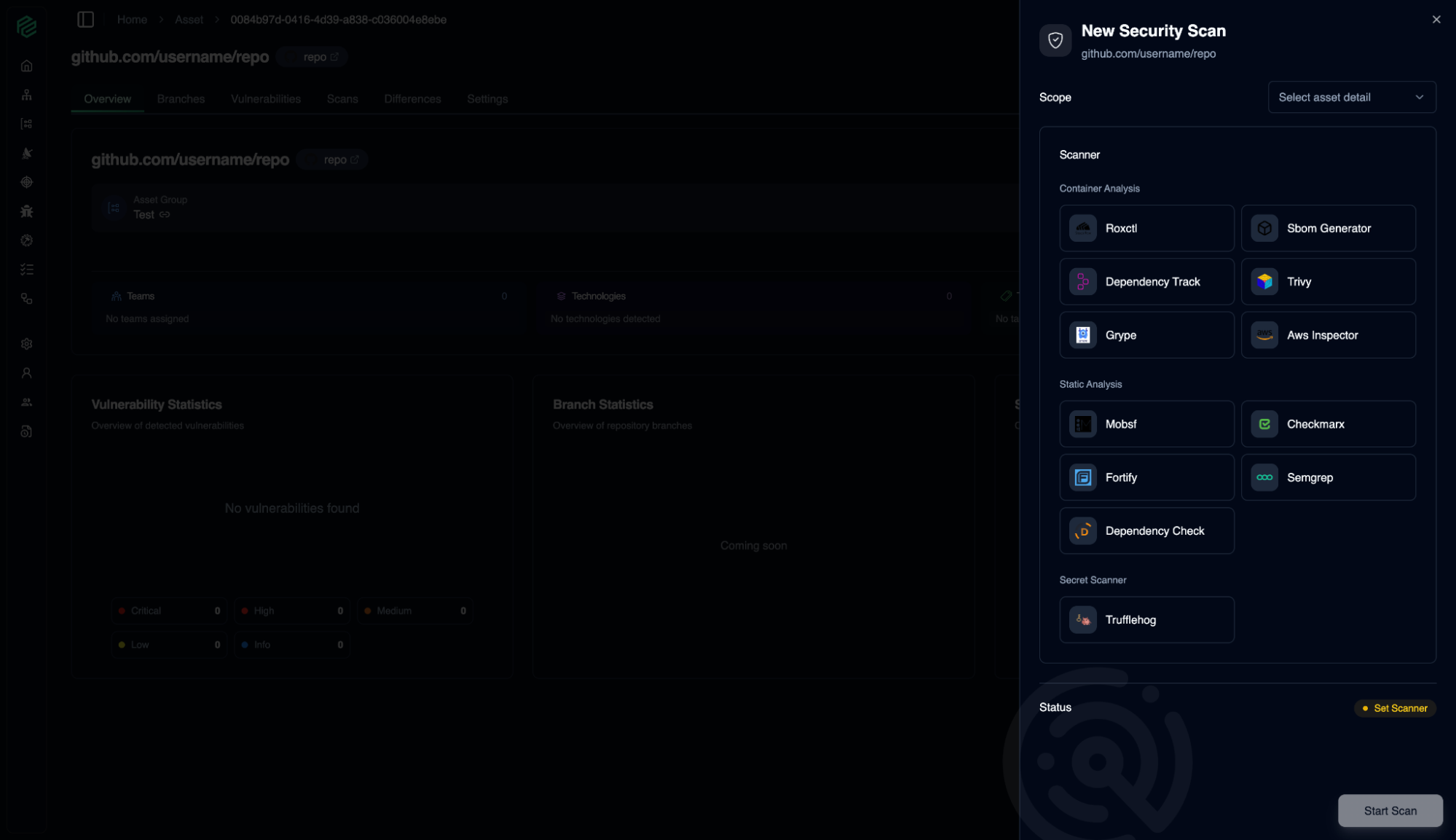
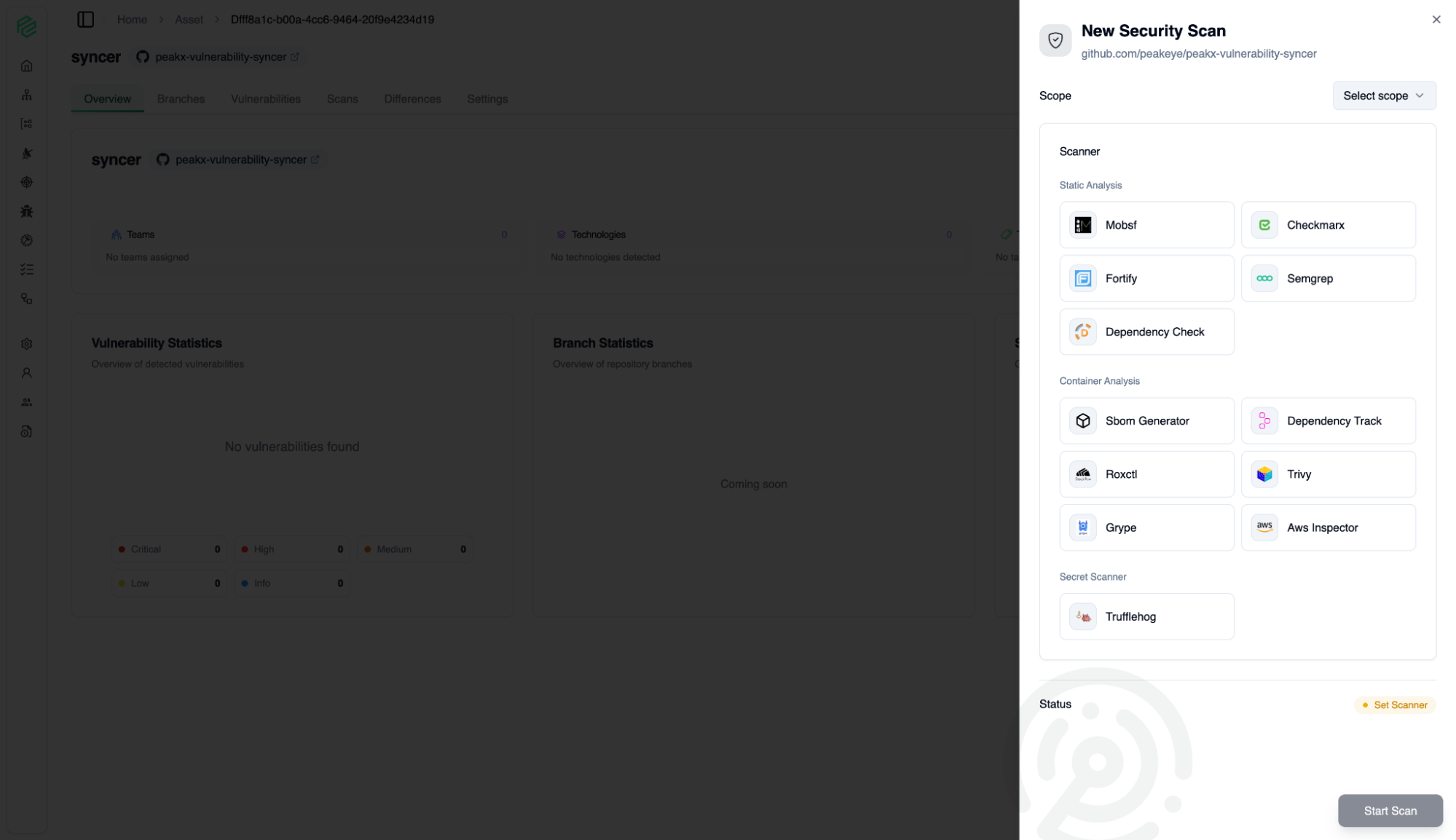
Manage security scans for your assets.
Syncer
07
Manage security scans for your assets.
Vulnerability
08
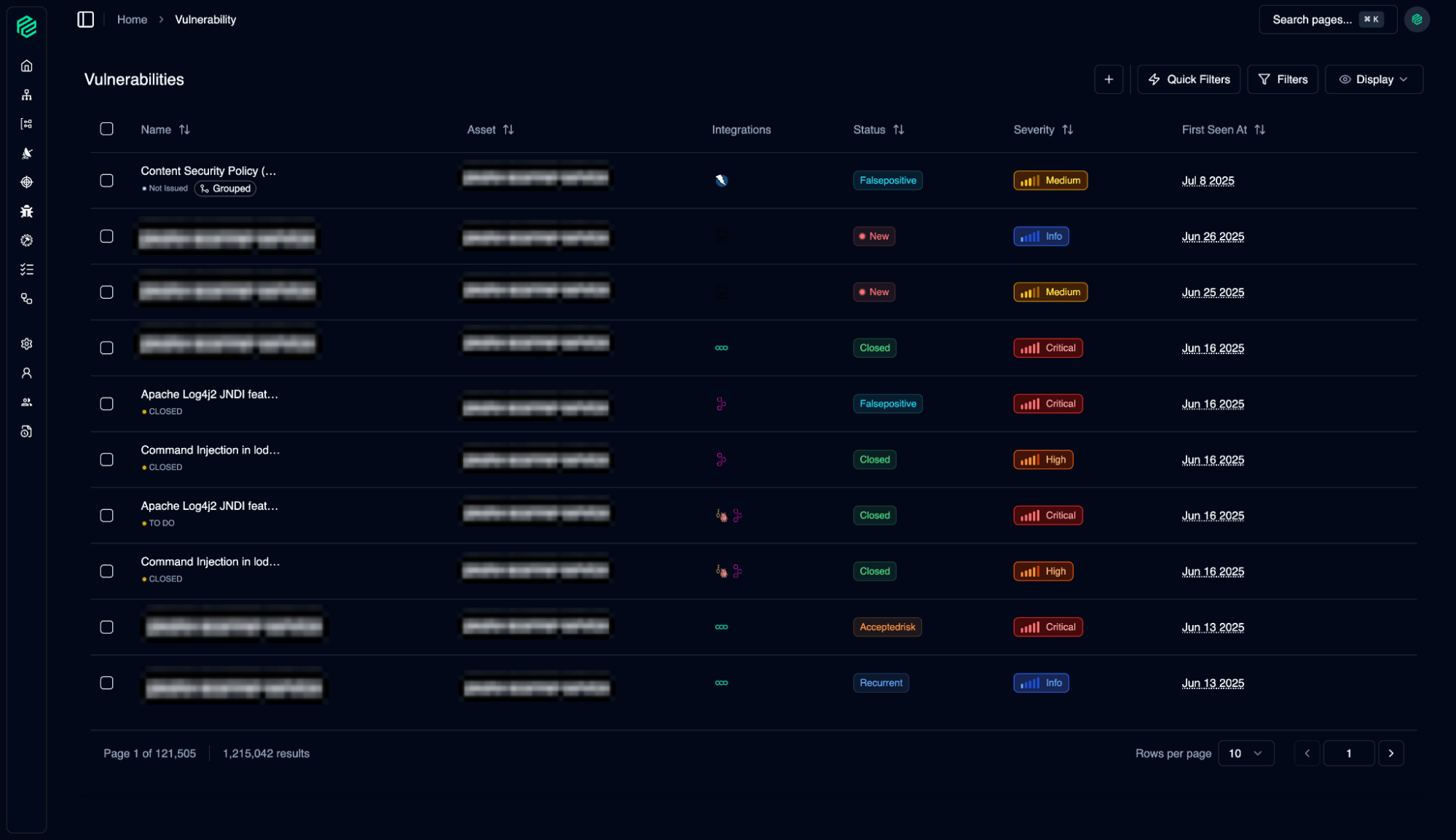
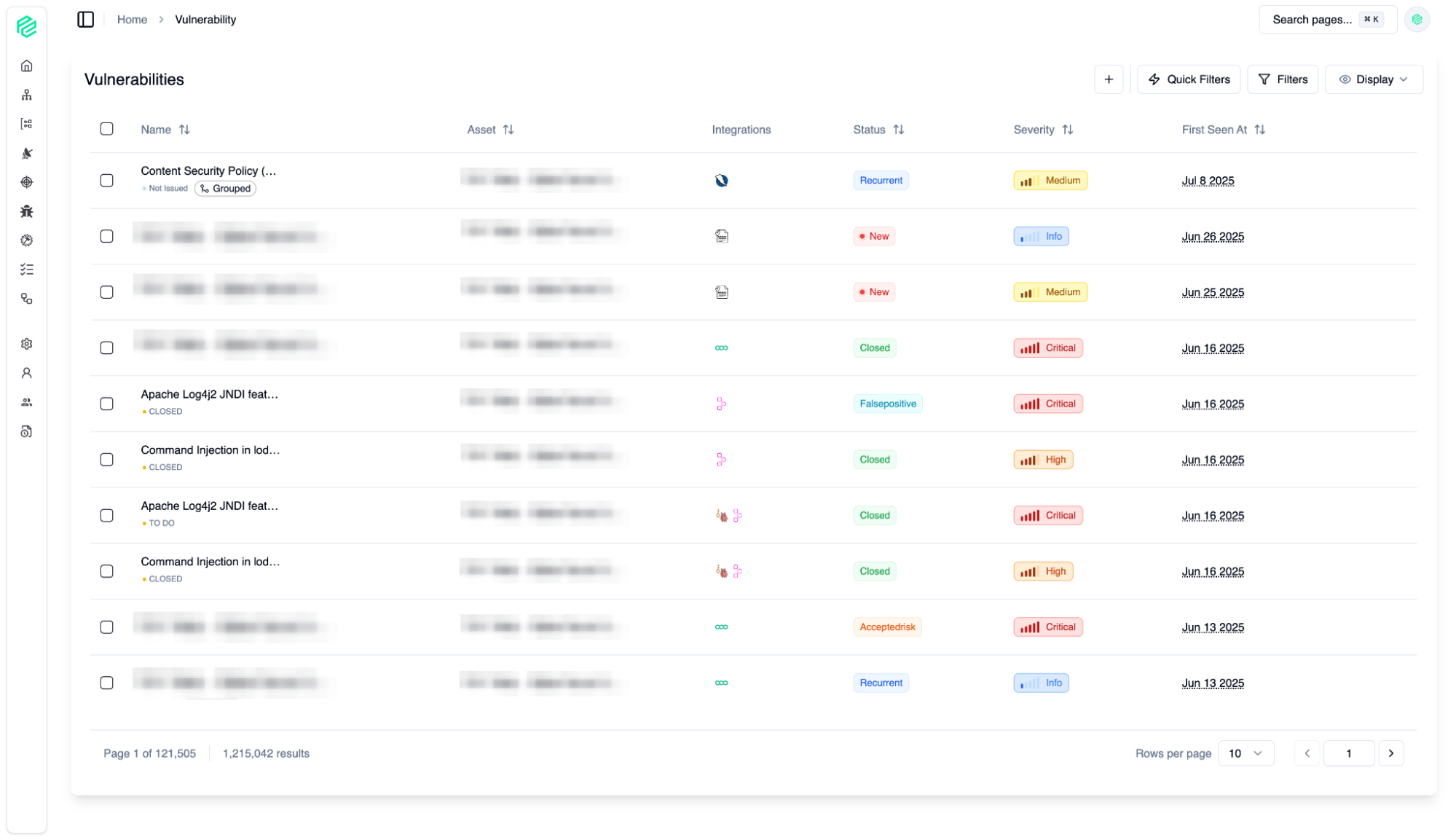
A consolidated, centralized list of all security vulnerabilities collected from all your integrations. Security vulnerability management features provide you with speed and control to efficiently manage your security operations.
Issue Management
09
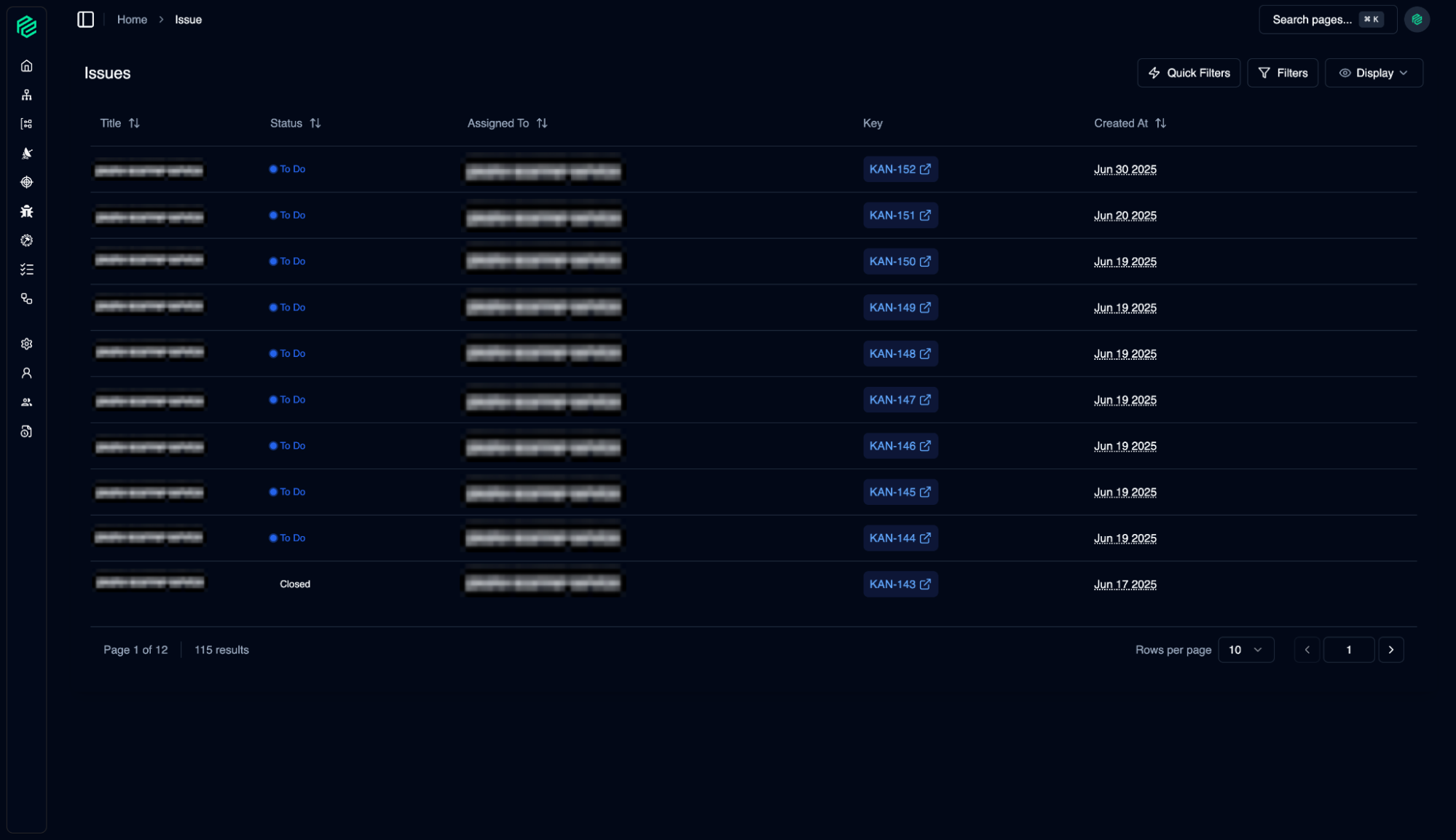
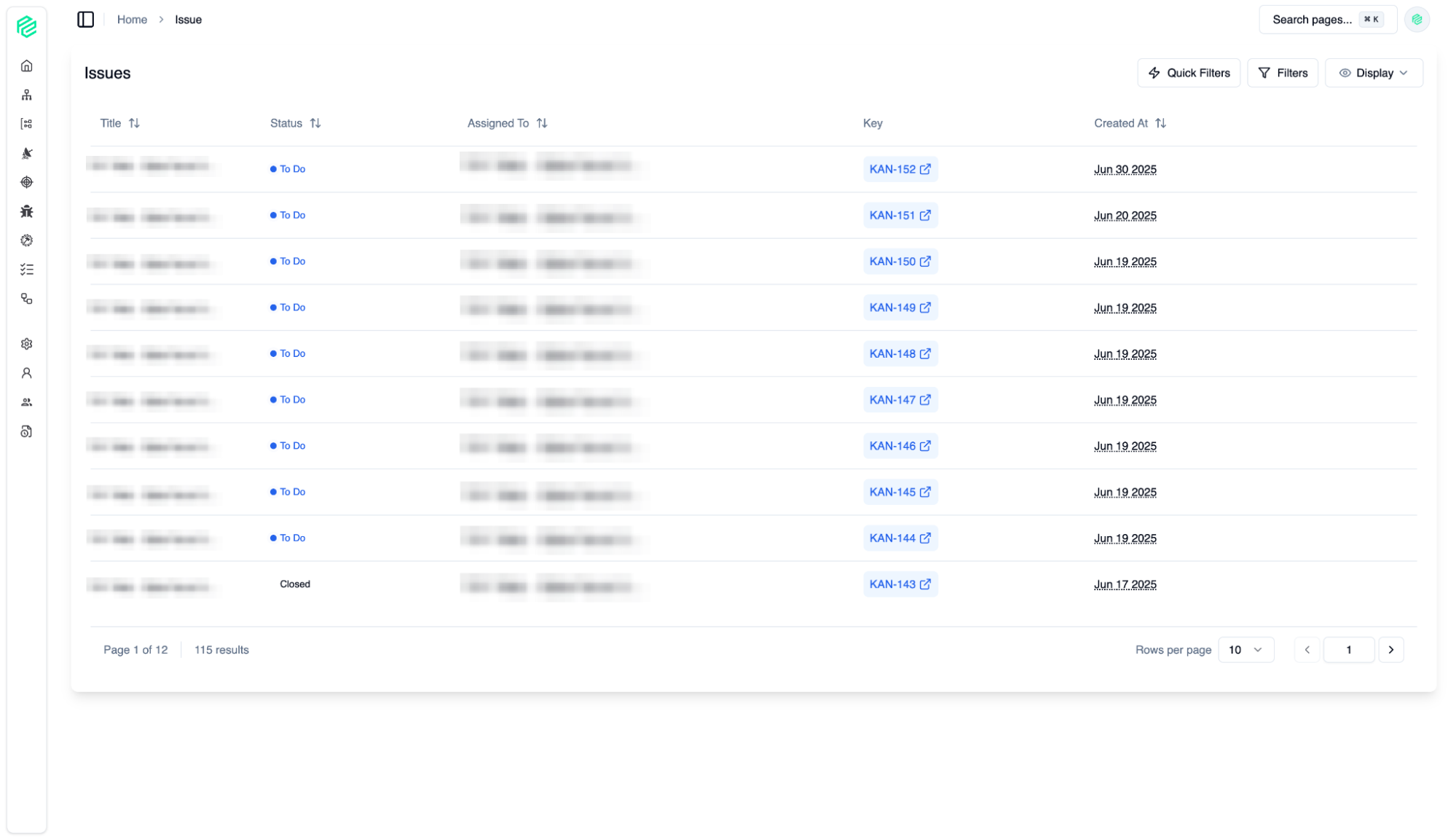
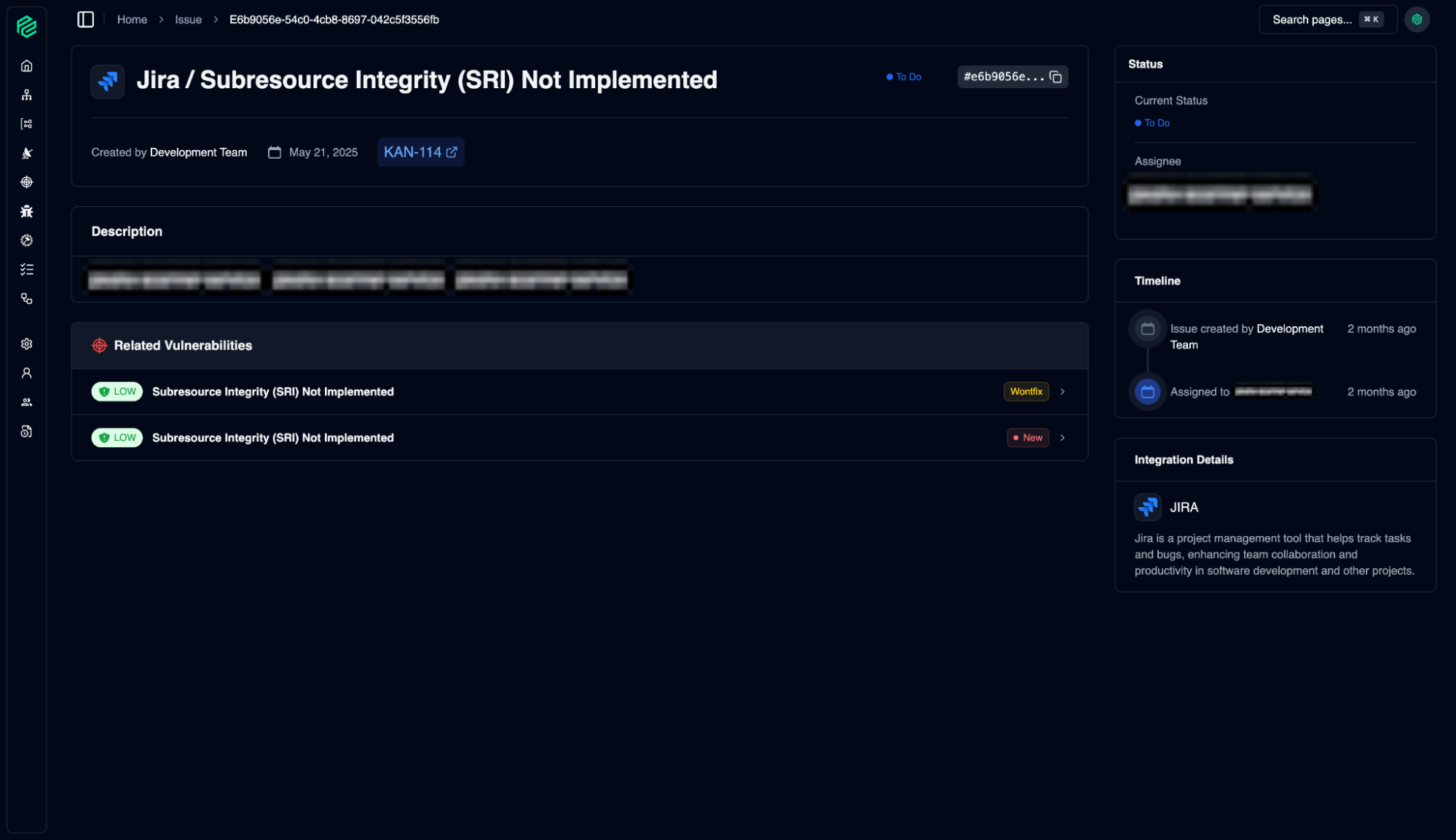
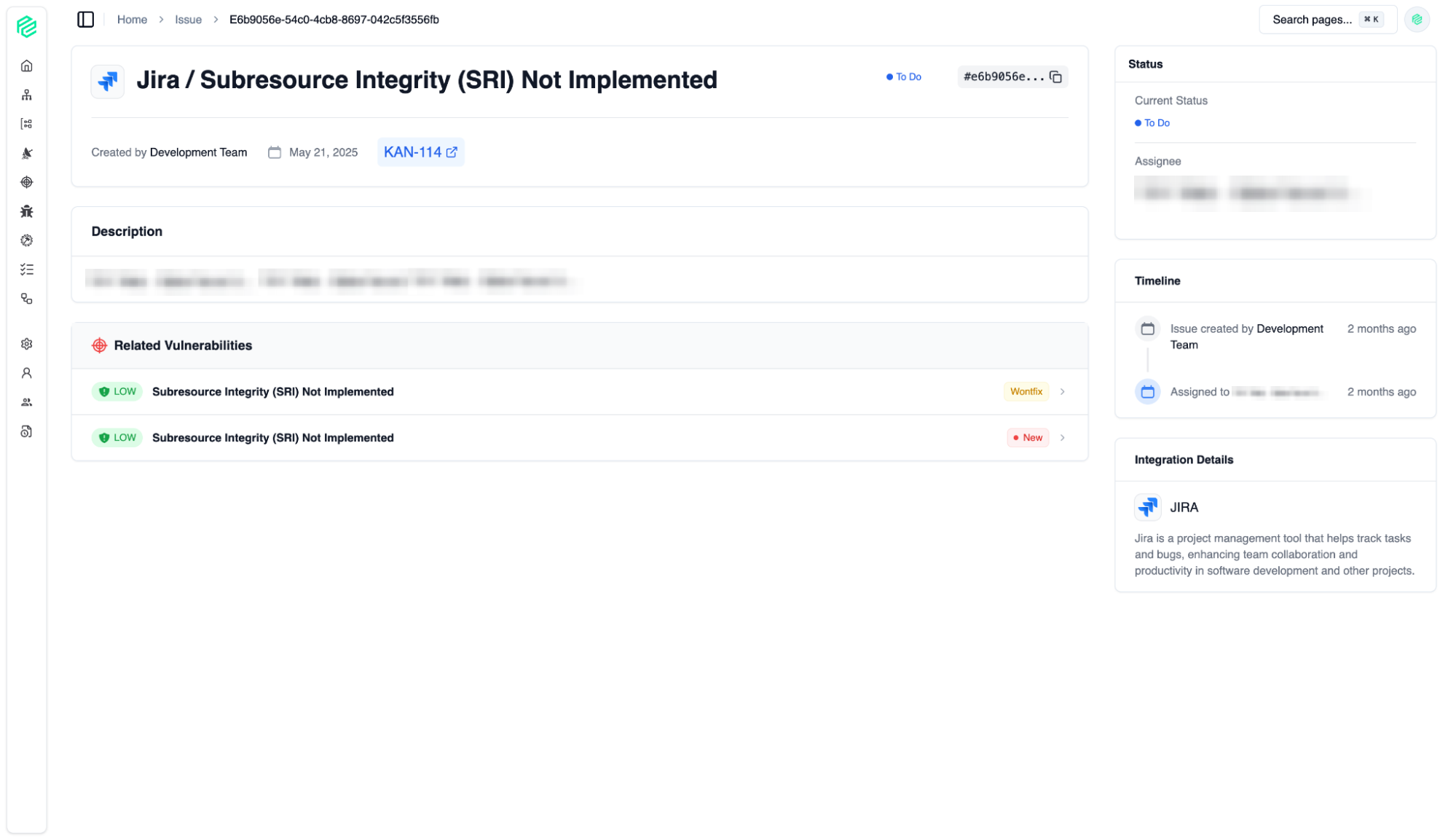
All issues detected by security tools or teams are managed centrally. From here, we track the steps taken and responsibilities assigned to address security vulnerabilities.
Issue Management
10
All issues detected by security tools or teams are managed centrally. From here, we track the steps taken and responsibilities assigned to address security vulnerabilities.
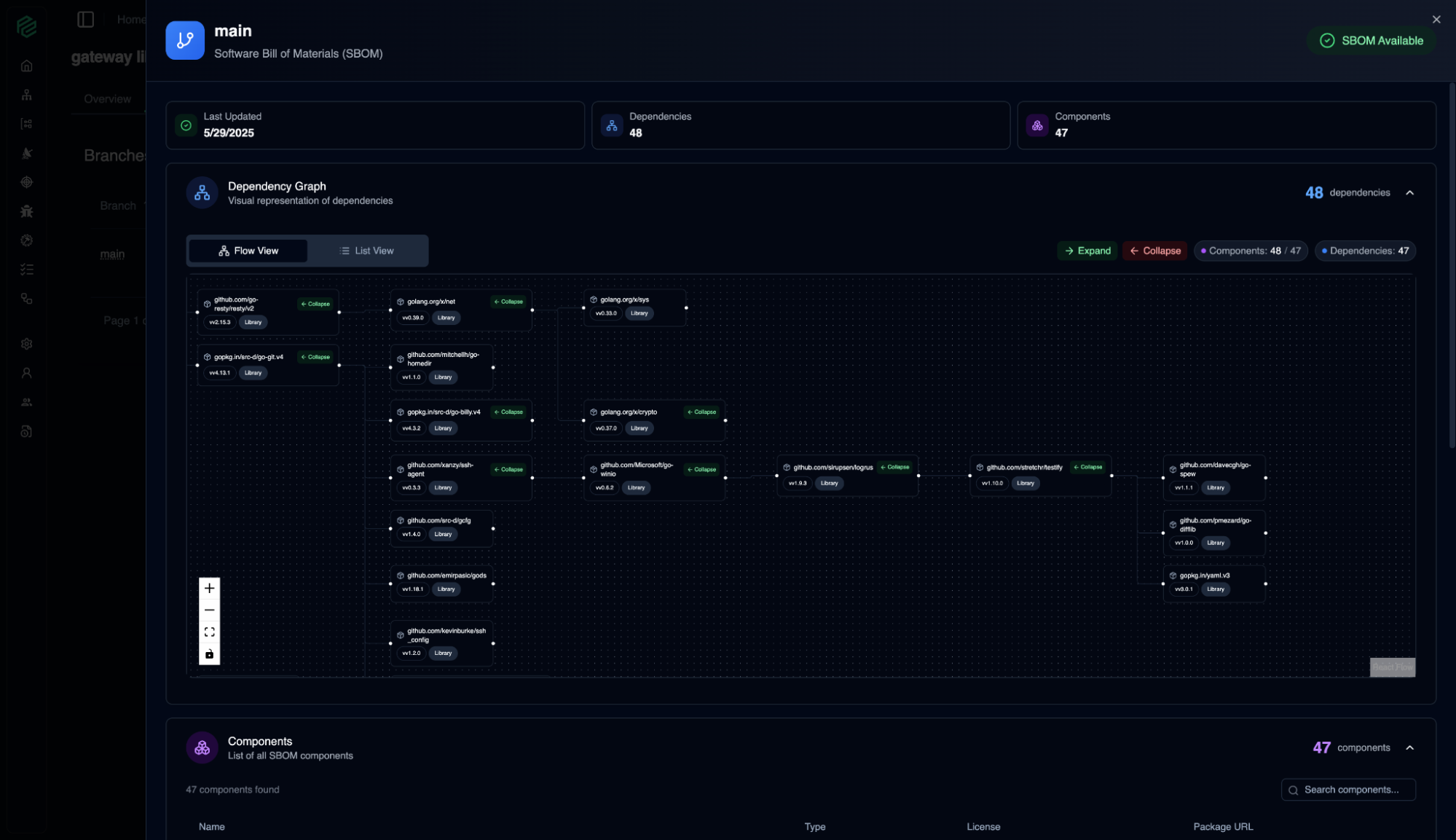
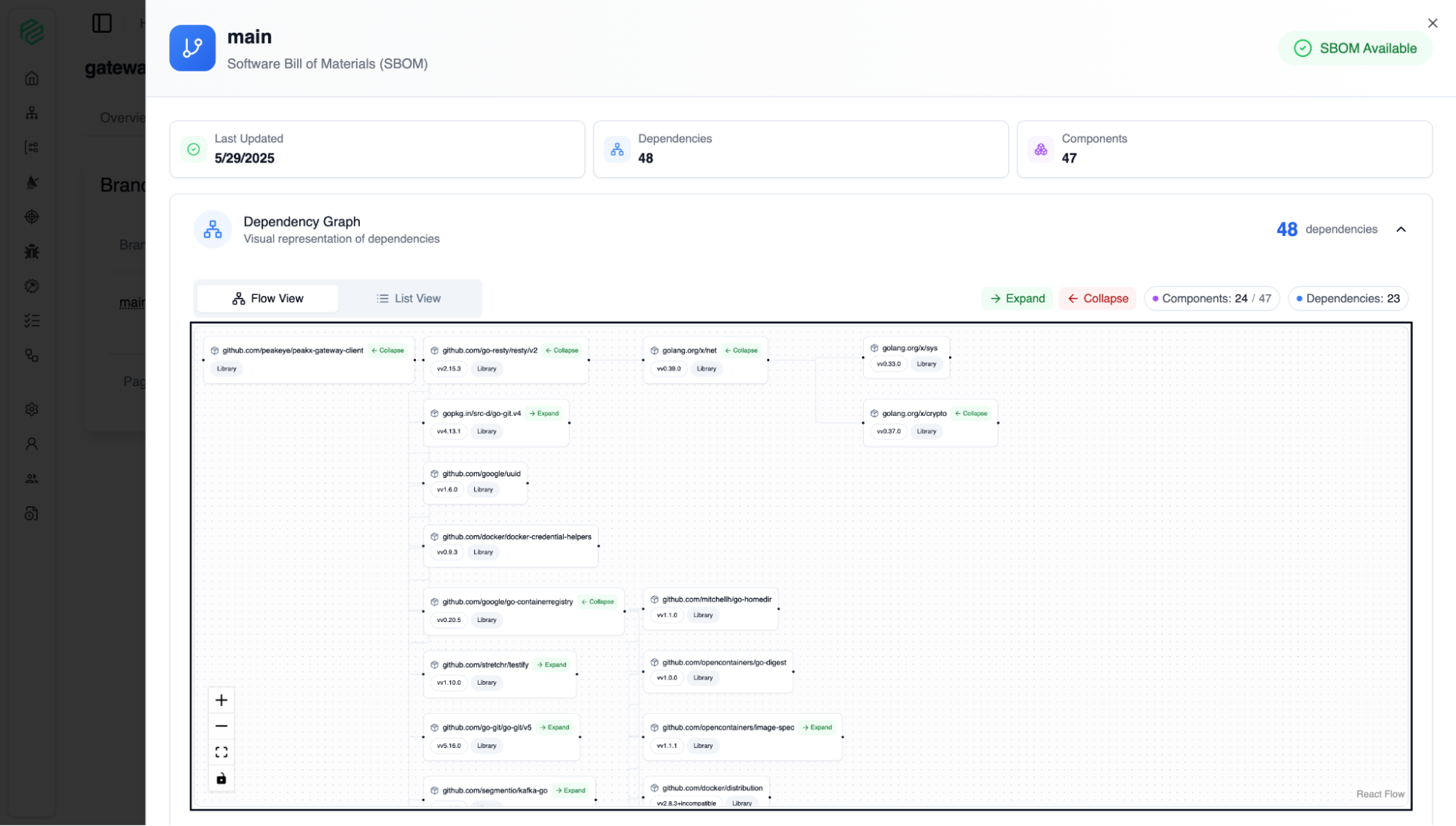
SBOM
11
By visualizing your application's Software Bill of Materials (SBOM), it allows you to understand exactly what is inside your software. Like a product's list of contents, this screen shows all the components and libraries that make up your application.
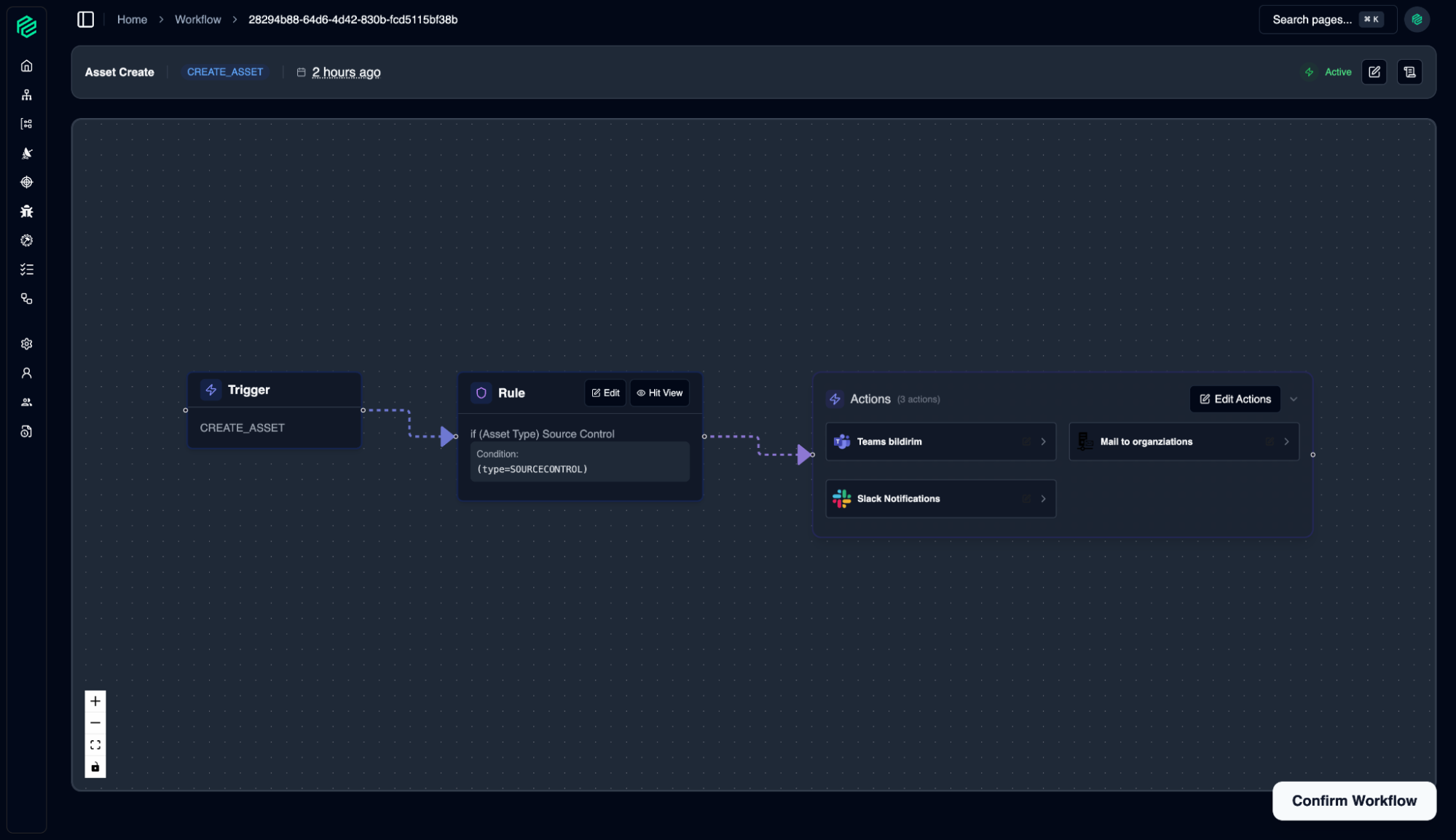
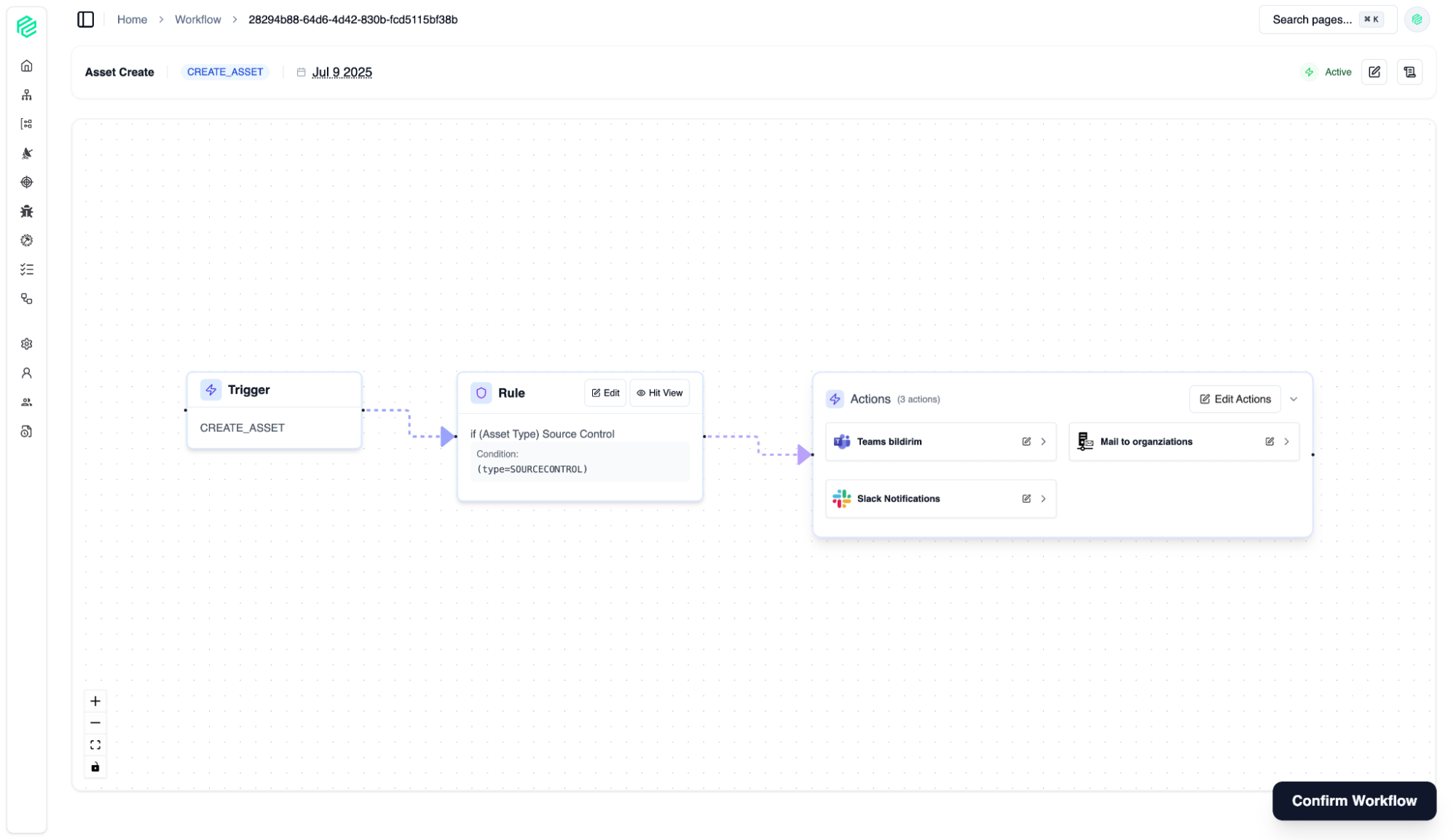
Workflow
12
Workflow is a coordination hub that goes beyond simple automation, enabling you to shape, manage, and scale your security processes according to your organization's unique needs. By eliminating manual and repetitive tasks, it allows your security and development teams to focus on what truly matters: developing secure and innovative software.
User & Organization Management
13
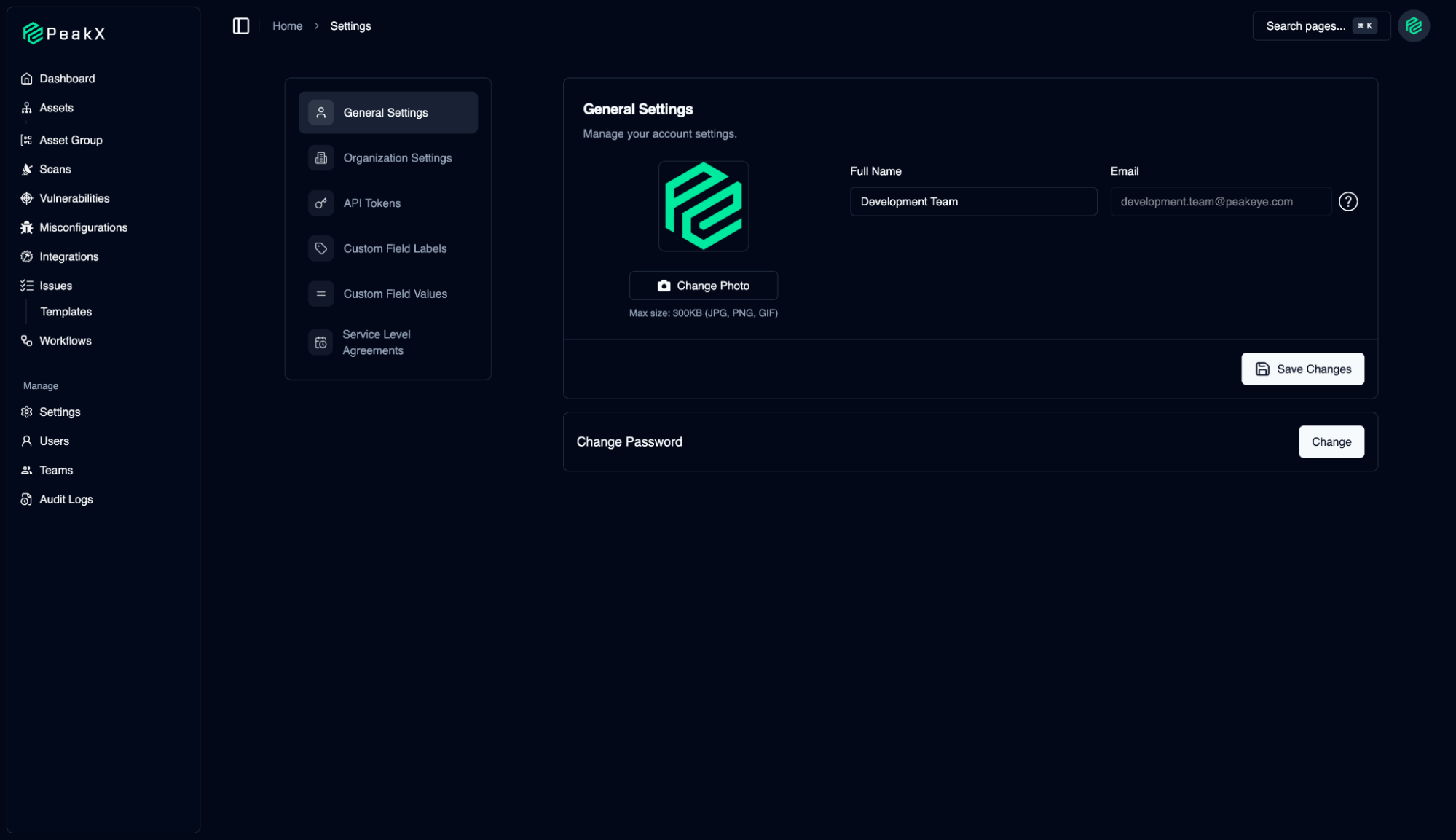
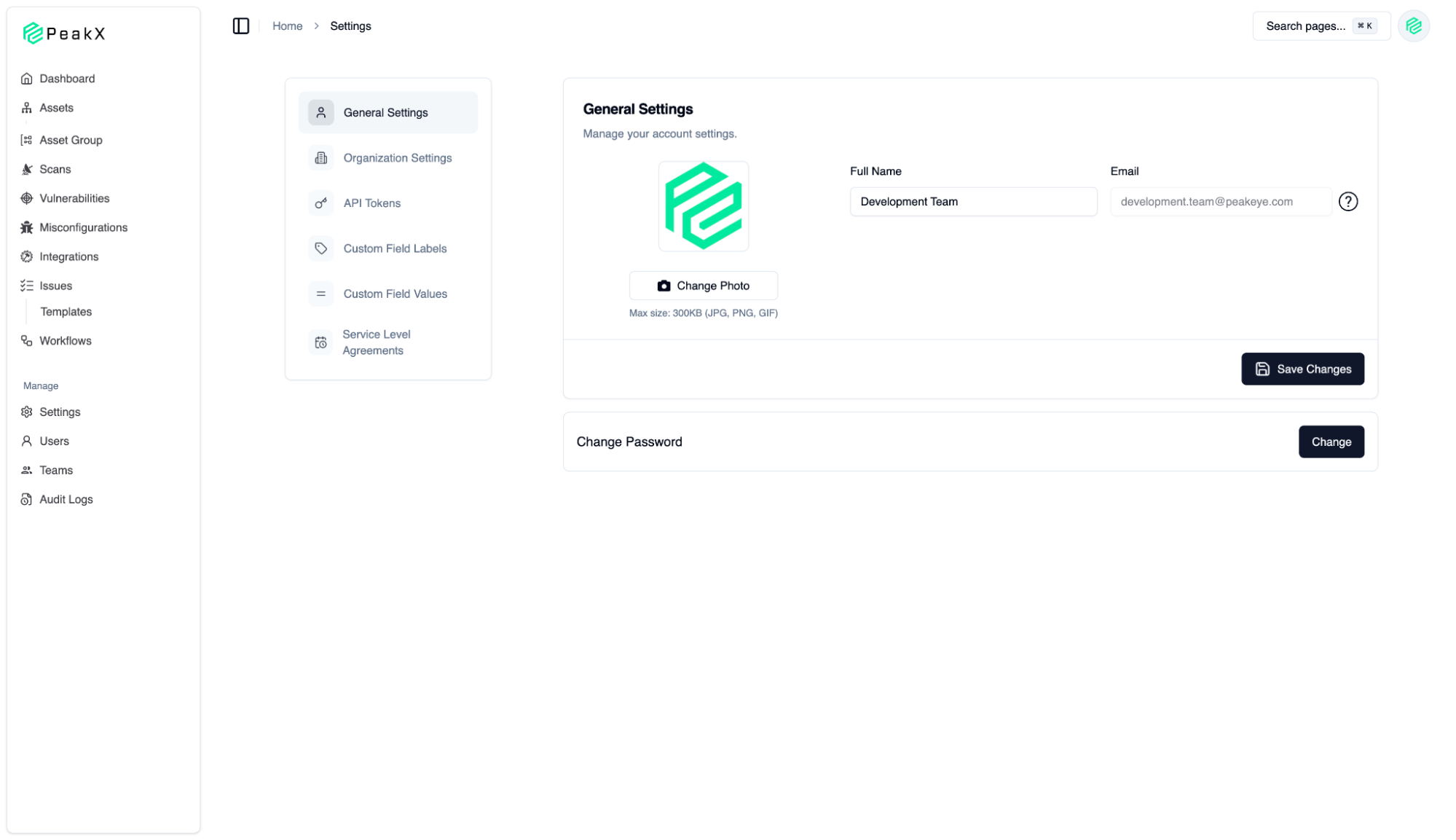
The management center where we configure the PeakX platform according to our own needs and corporate structure. Here, we can access all platform controls, from general account settings to advanced automation rules.