
















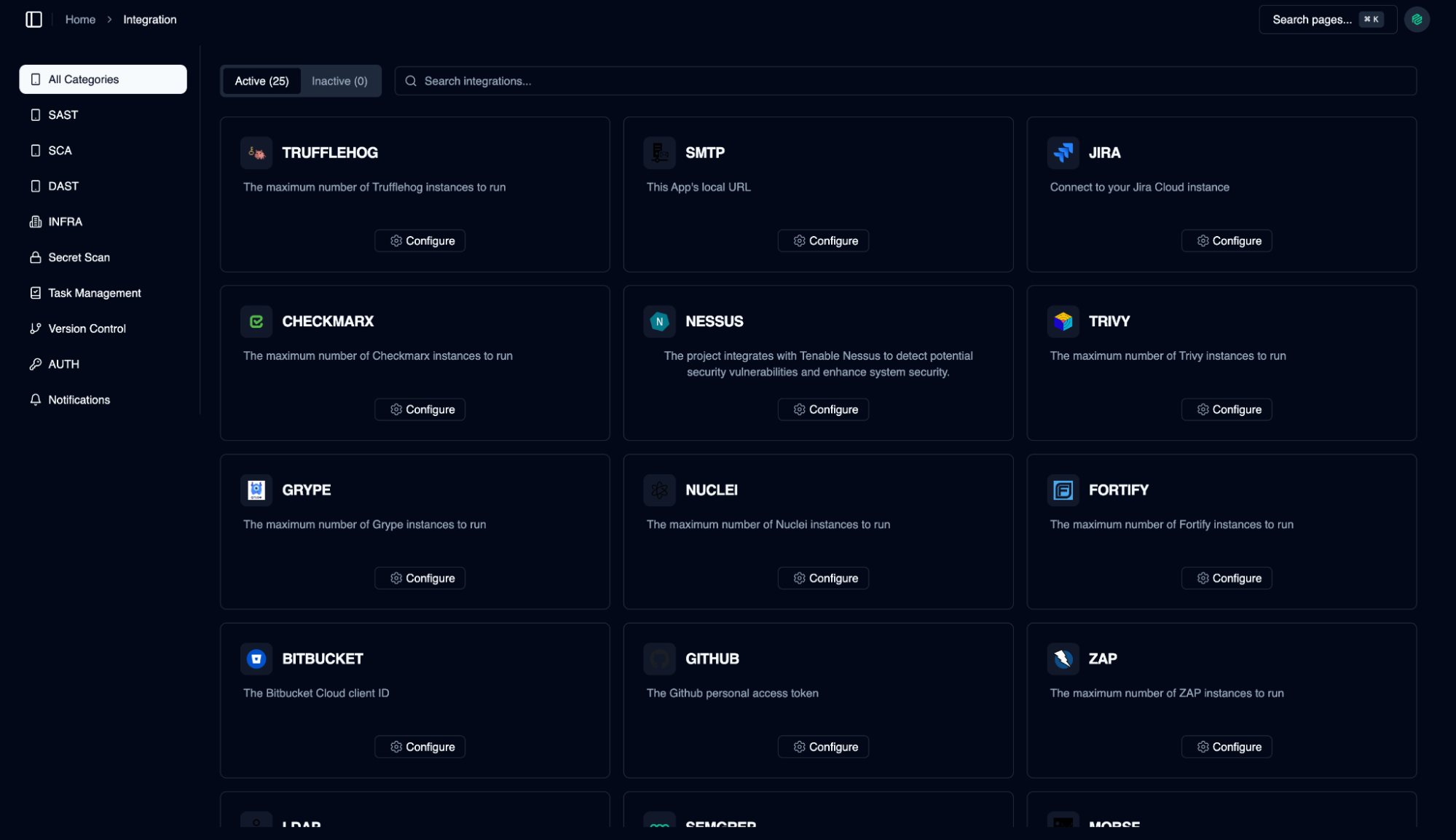
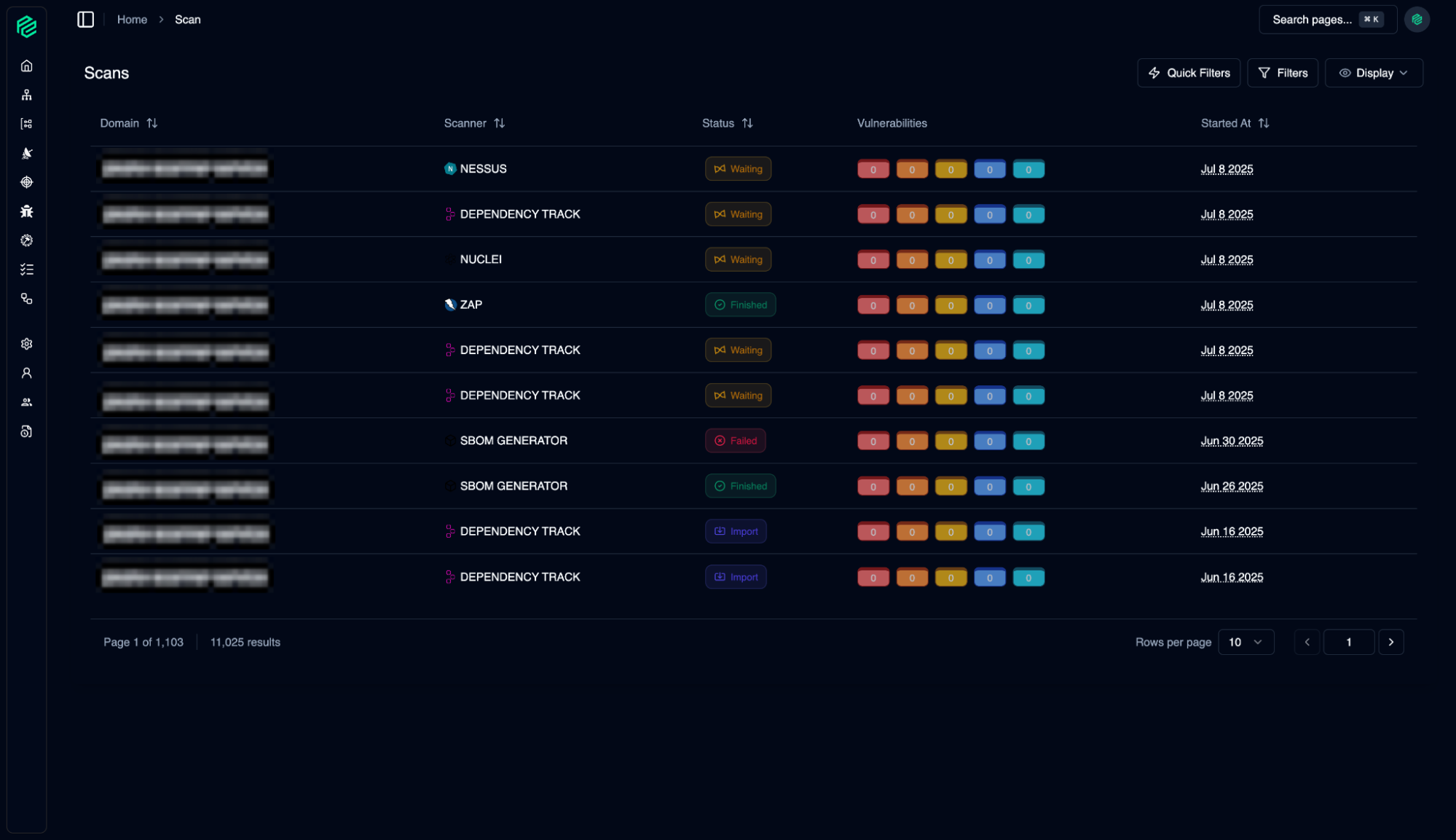
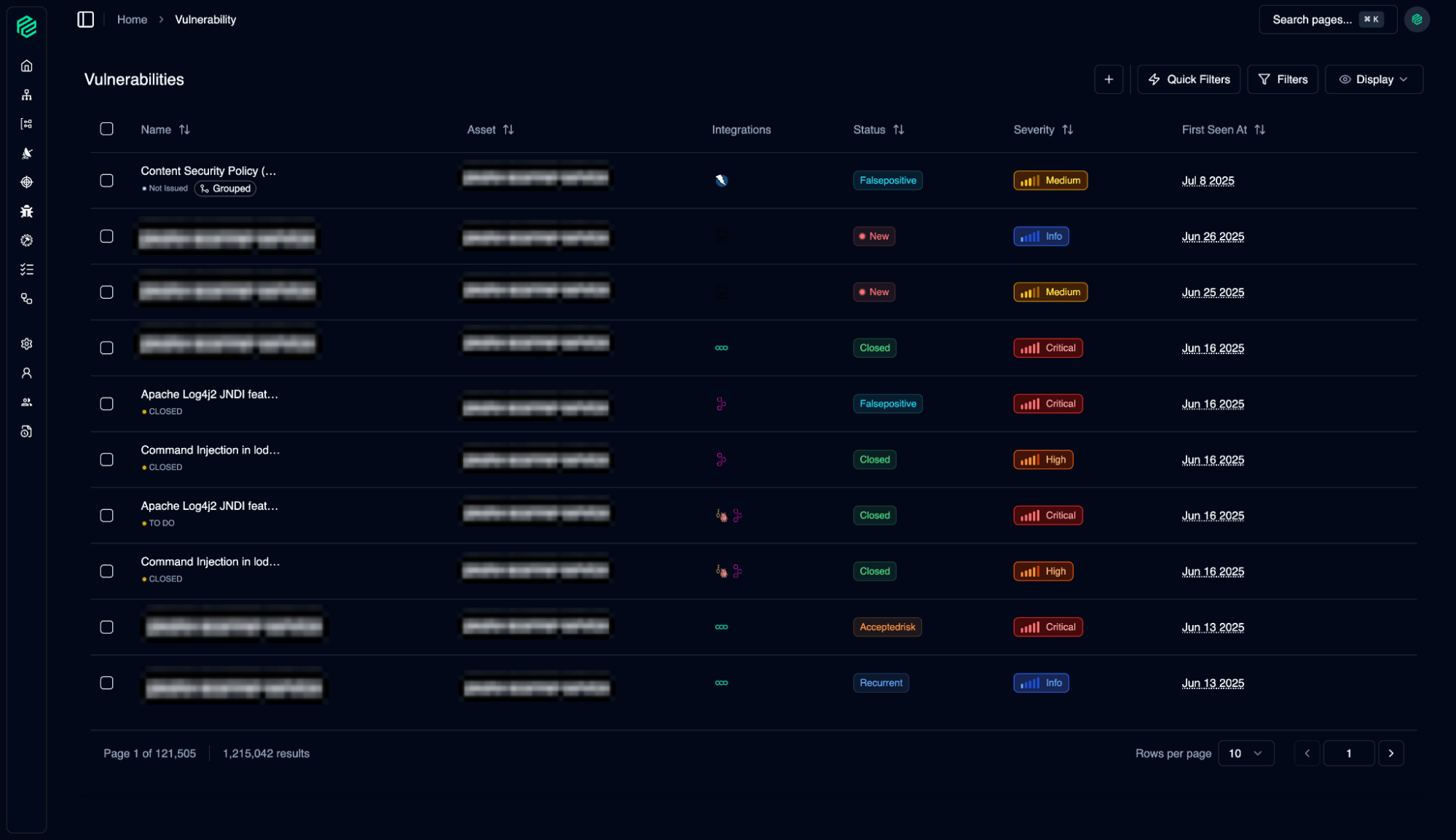
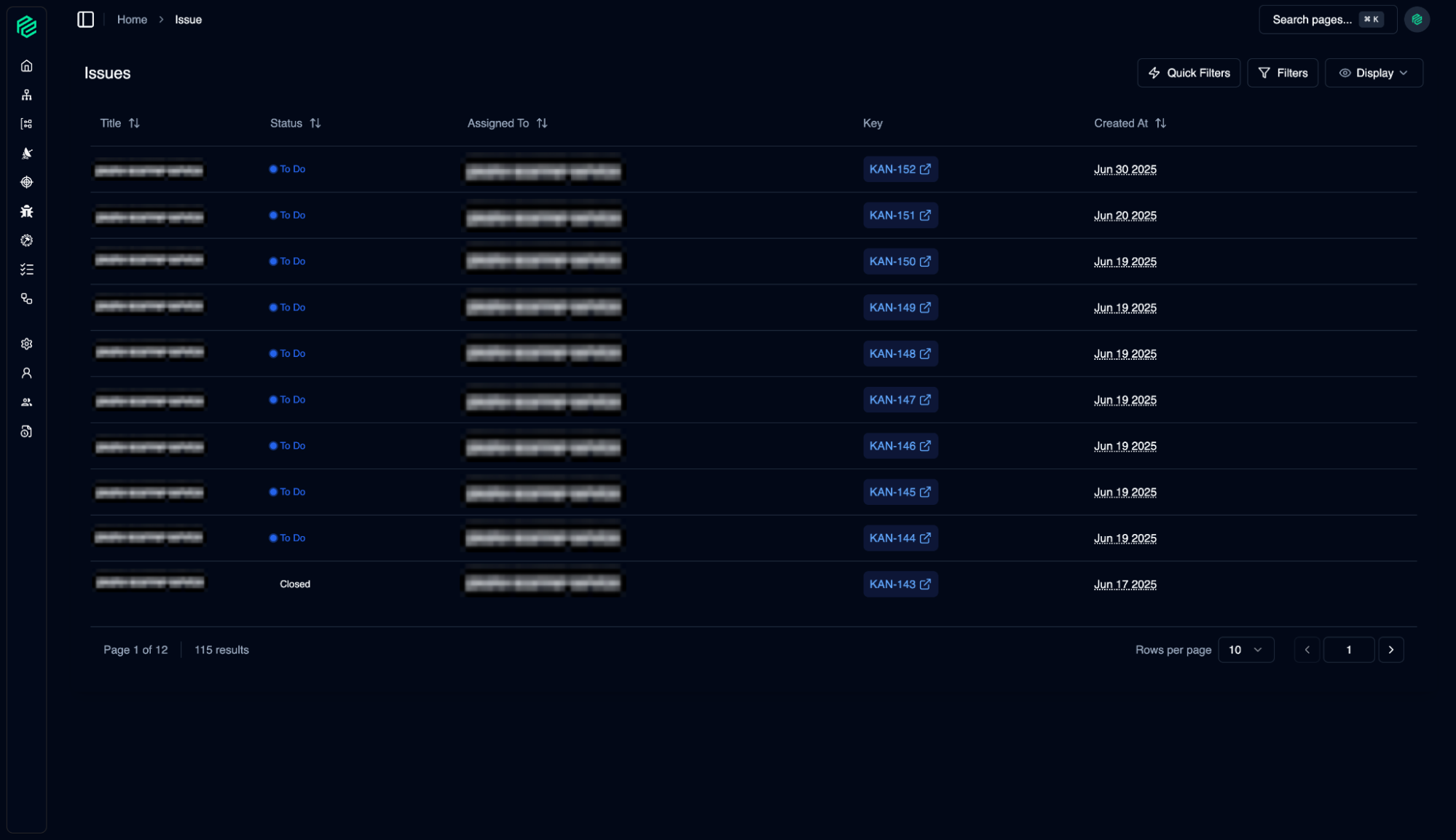
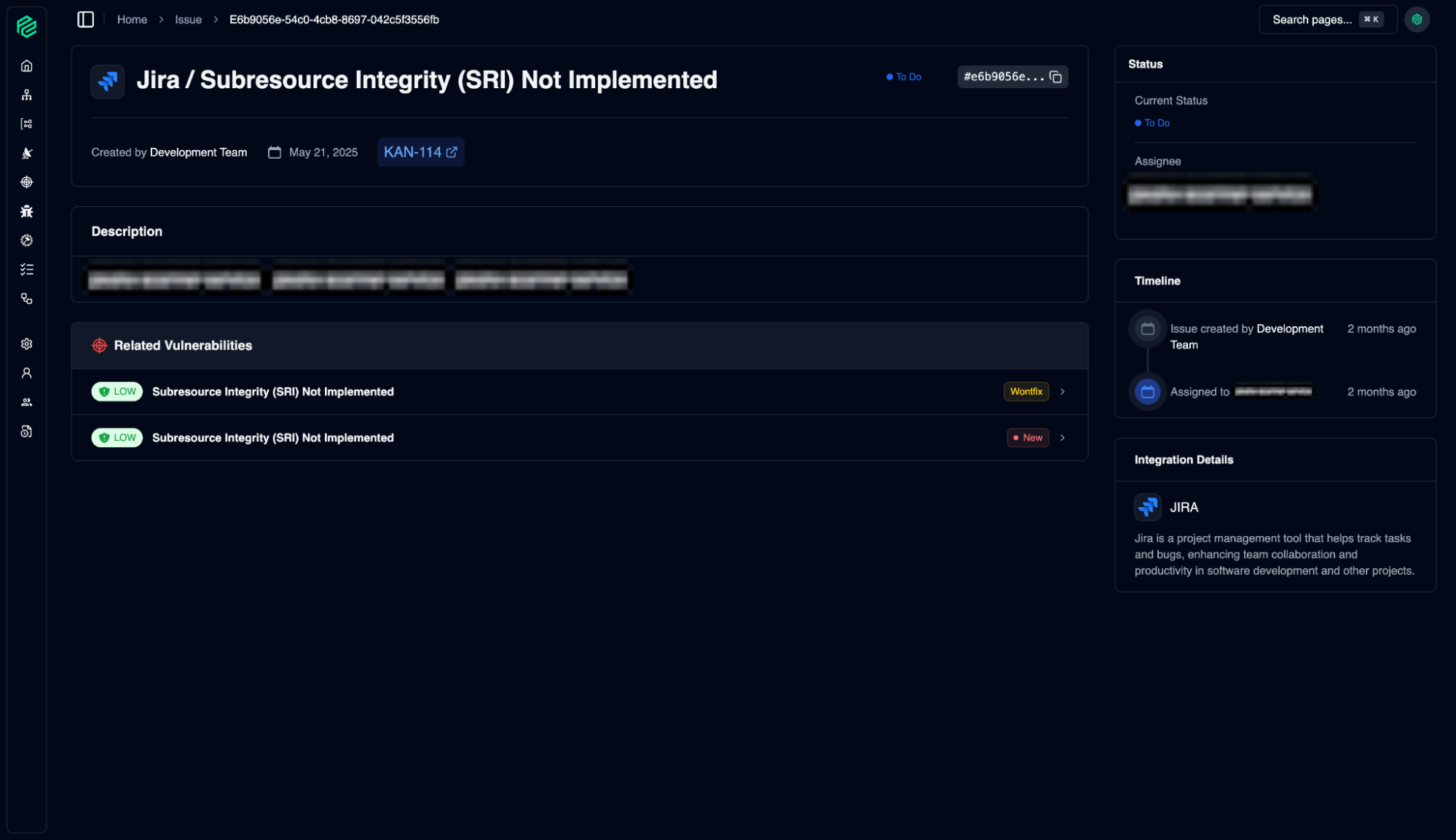
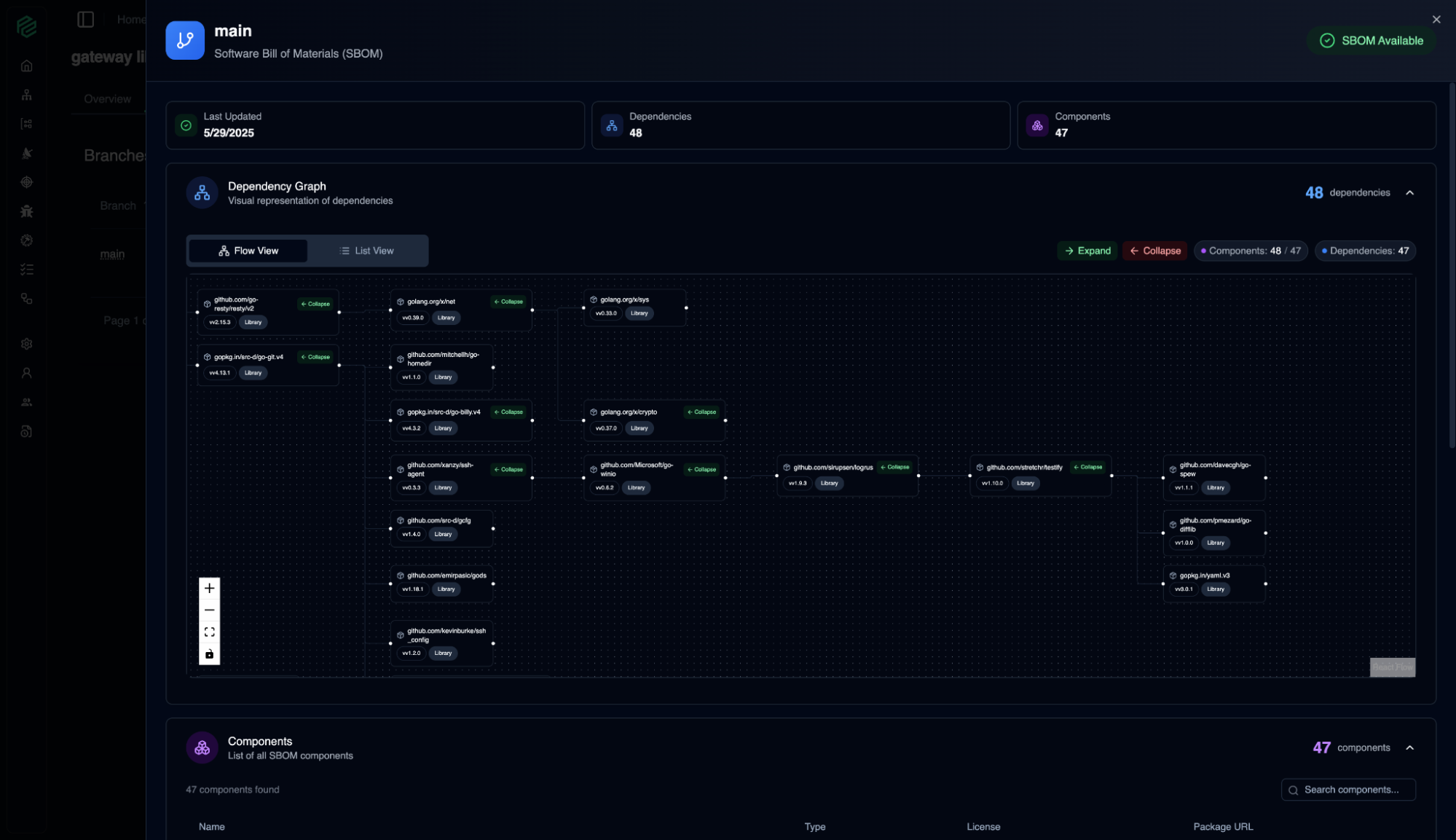
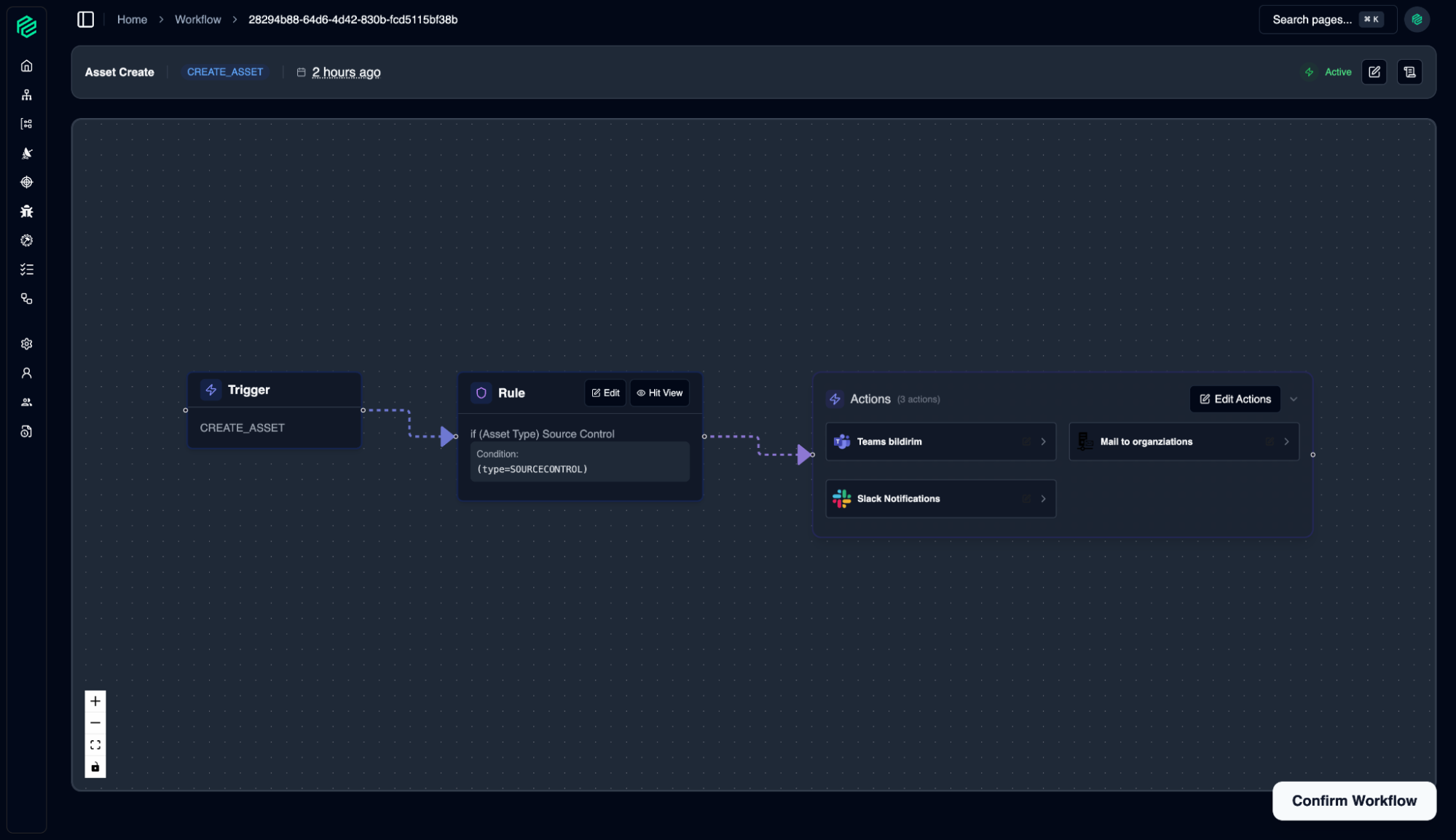
Screenshots
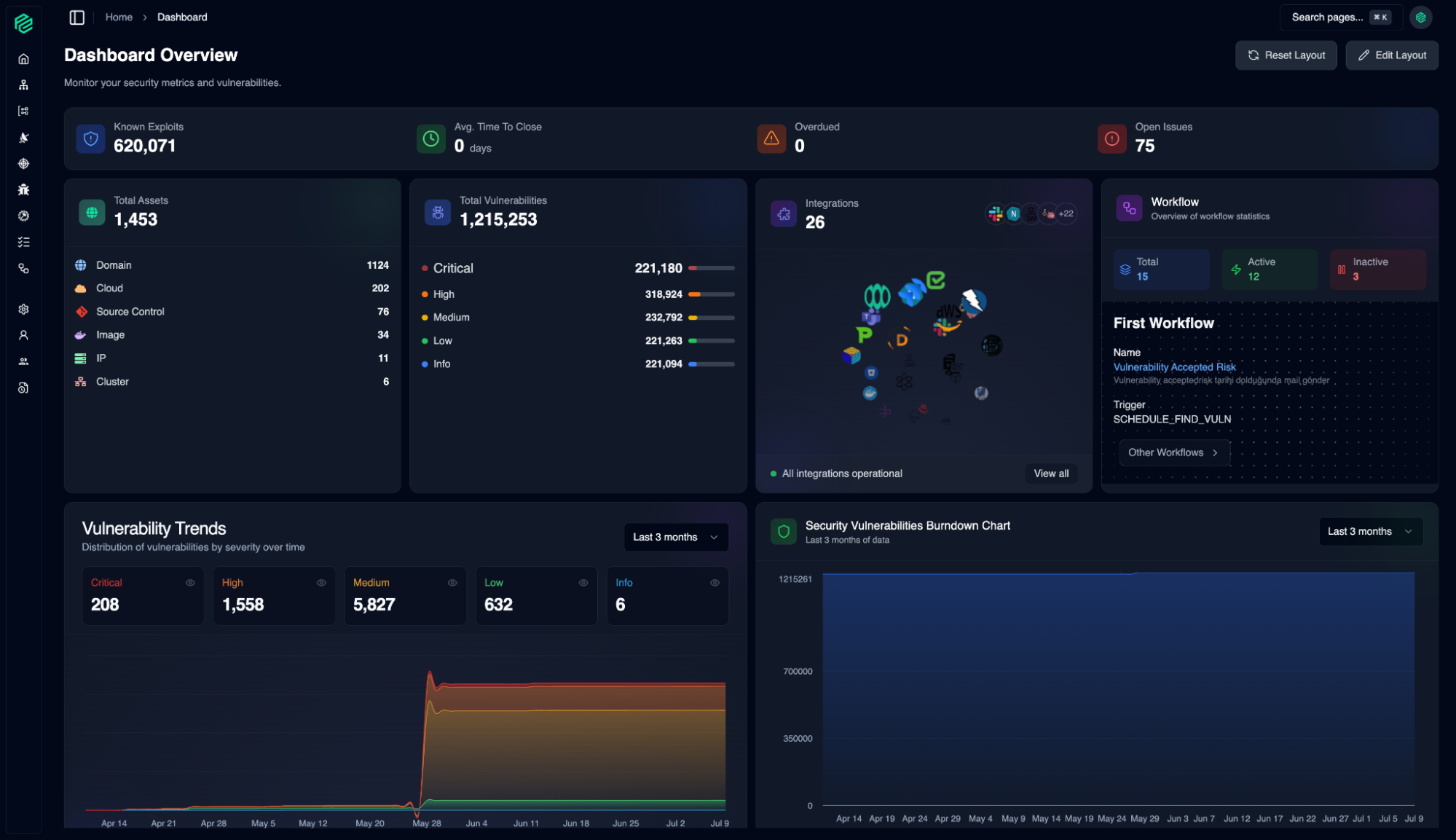
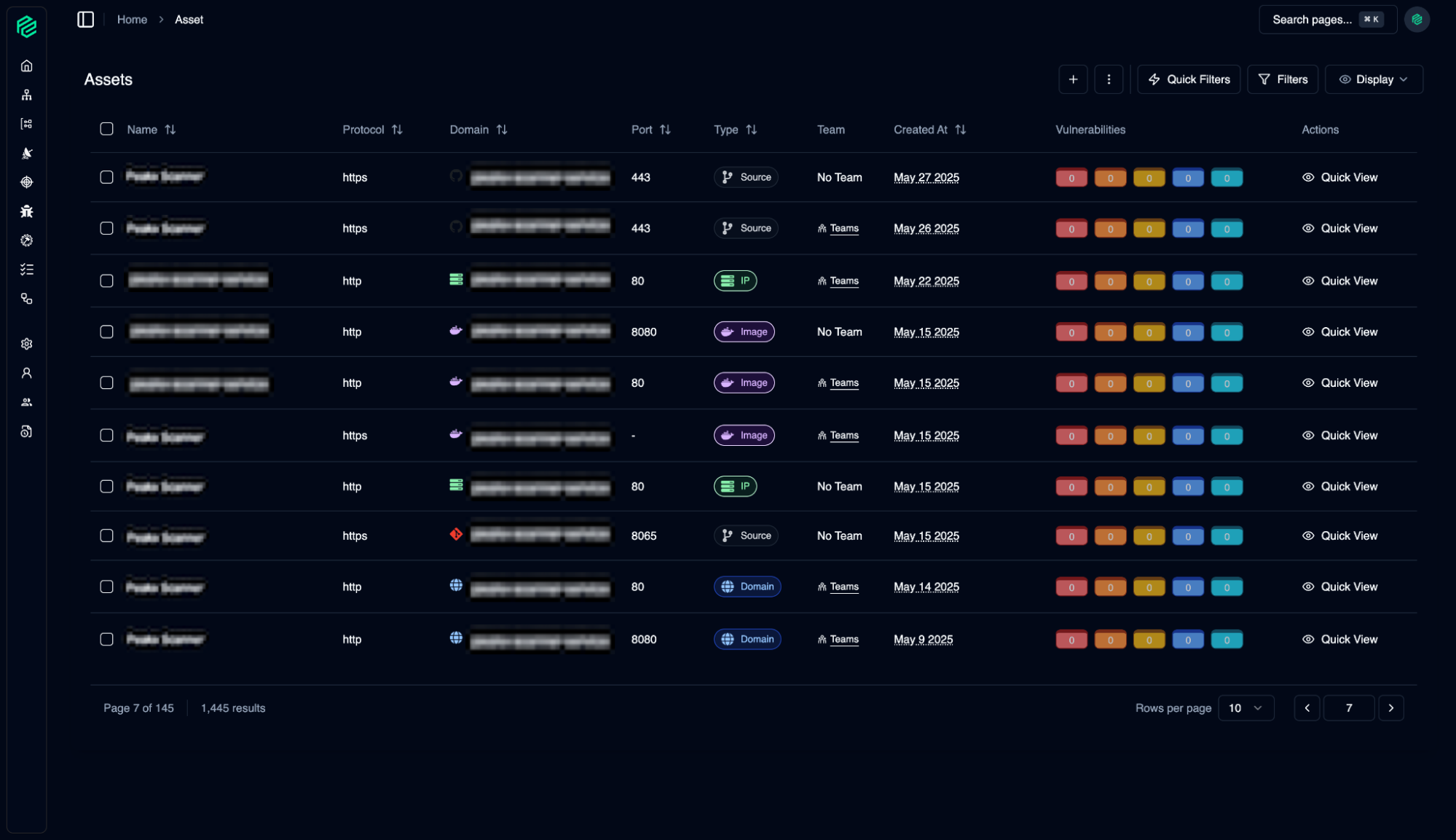
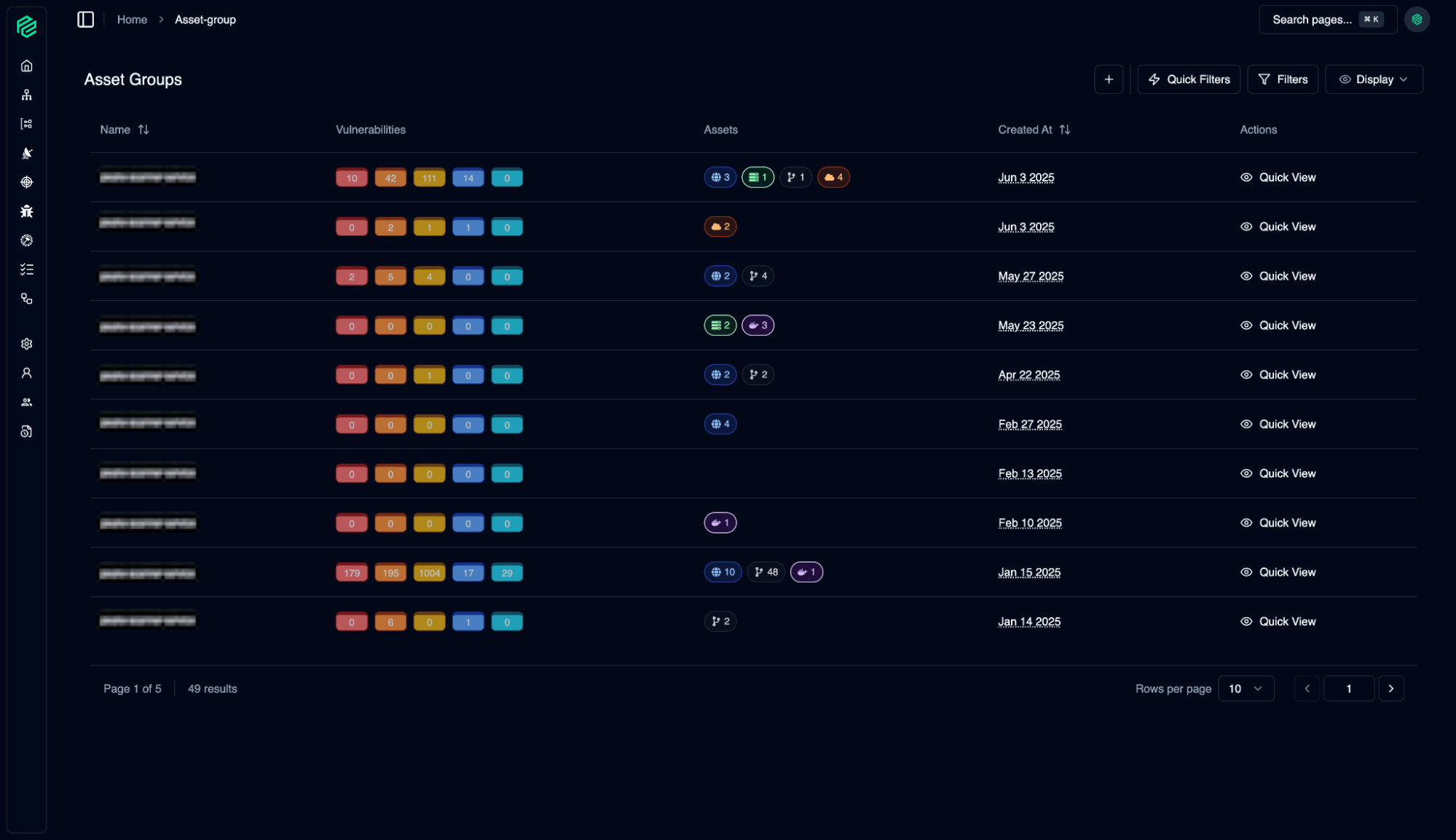
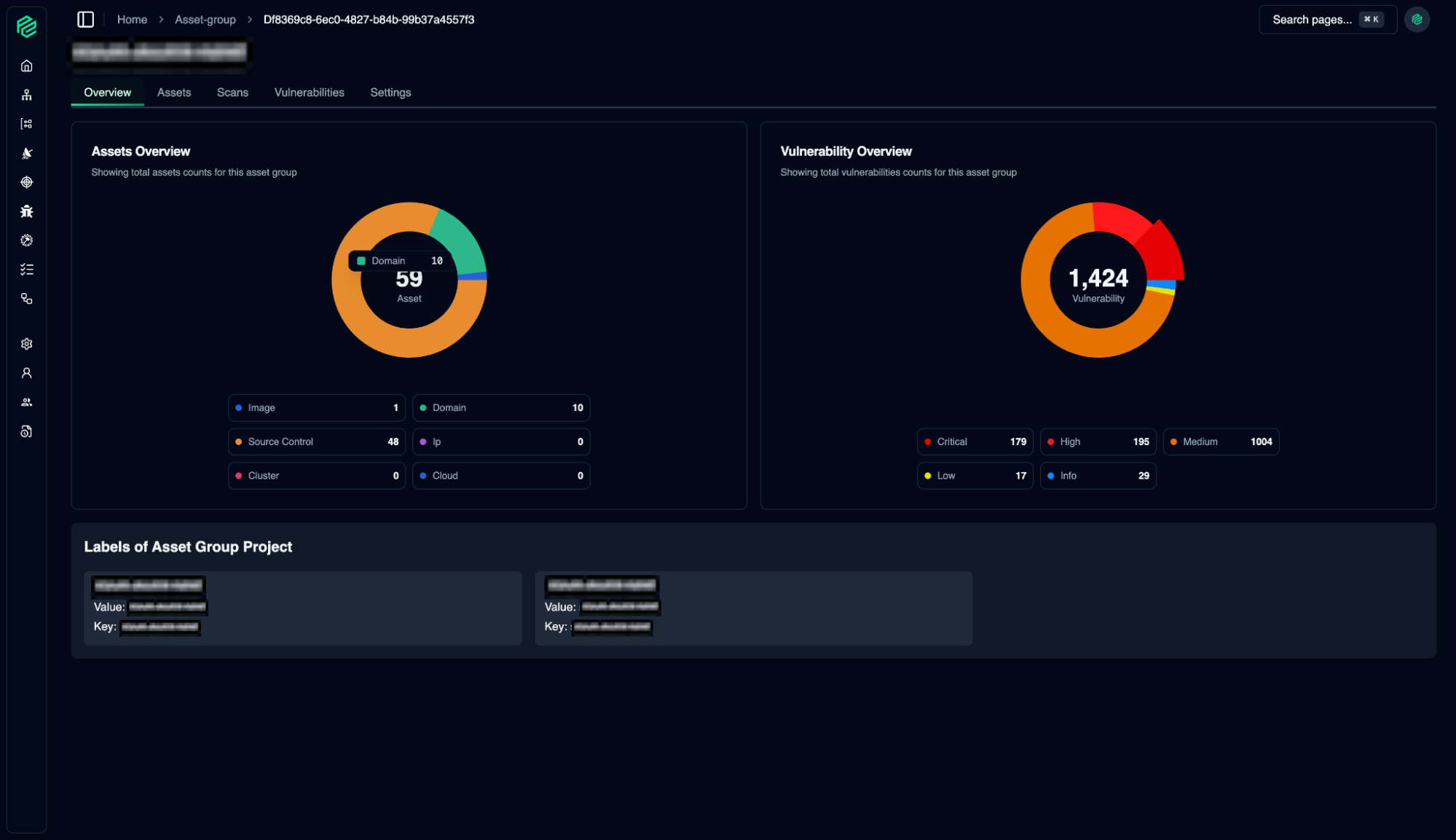




 EN
EN
Your personal data; protecting the privacy of visitors to the website (www.peak-eye.com) operated by Peak-Eye as the data controller is one of the leading principles of our Institution. This Cookie Usage Policy (“KVKK”) explains under which conditions and what types of cookies are used for all our website visitors and users.
Cookies are small text files stored on your device or network server by the websites you visit through your computer or mobile device.
They are generally used to provide you with a personalized experience during your use of the website you visit, to improve the services offered, and to enhance your experience, and they may contribute to ease of use while browsing a website. If you do not prefer the use of cookies, you may delete or block cookies from your browser settings. However, please note that this may affect your use of our website. Unless you change your cookie settings from your browser, we will assume that you accept the use of cookies on this site.
Depending on the type of cookies on websites, data regarding your browsing and usage preferences on the device you use to visit the site are collected. This data includes the pages you access, the services and products you review, your preferred language option, and information about other preferences.
Cookies are small text files stored on your device or network server by the websites you visit through browsers. These small text files containing your language preferences and other settings help remember your preferences on your next visit to the site and allow us to make improvements in our services to enhance your experience. In this way, you may have a better and more personalized user experience on your next visit.
The main purposes of using cookies on our Website are listed below:
Session cookies ensure the proper functioning of the website during your visit. They are used for purposes such as ensuring the security and continuity of our websites and your visit. Session cookies are temporary cookies; they are deleted when you close your browser and return to our site, they are not permanent.
These types of cookies are used to remember your preferences and are stored on your device via browsers. Persistent cookies remain stored even after you close the browser or restart your computer after visiting our site. These cookies are kept in your browser’s subfolders until deleted from your browser settings.
Some types of persistent cookies may be used to provide you with personalized suggestions, considering factors such as the purpose of your use of the Website.
Thanks to persistent cookies, if you revisit our Website with the same device, it is checked whether there is a cookie created by our Website on your device, and if so, it is understood that you have previously visited the site. The content to be delivered to you is determined accordingly, thereby providing you with better service.
These are mandatory cookies to ensure that the website you visit functions properly. The purpose of these types of cookies is to provide the necessary service by ensuring the operation of the site. For example, they enable access to the secure areas of the website, the use of its features, and navigation on it.
They collect information about how the website is used, the frequency and number of visits, and show how visitors arrive at the site. The purpose of using these types of cookies is to improve the functioning of the site, enhance performance, and determine general trends. They do not contain data that can identify visitor identities. For example, they show the number of error messages displayed or the most visited pages.
They remember the choices made by the visitor within the site and recall them on the next visit. The purpose of these types of cookies is to provide convenience to visitors. For example, they prevent the site user from re-entering their password on each page they visit.
They allow measuring the effectiveness of the advertisements presented to visitors and counting how many times the advertisements are displayed. The purpose of these types of cookies is to provide advertisements customized to the interests of visitors.
Similarly, they allow the identification of visitors’ areas of interest specific to their browsing and the presentation of appropriate content. For example, they prevent the same advertisement from being shown to a visitor again within a short period.
To change your preferences regarding the use of cookies or to block or delete cookies, it is sufficient to change your browser settings.
Many browsers offer options to allow you to control cookies, such as accepting or rejecting cookies, accepting only certain types of cookies, or being alerted by the browser when a website requests to store cookies on your device.
It is also possible to delete cookies that have been previously saved to your browser.
If you disable or reject cookies, you may need to adjust some preferences manually, some features and services on the website may not function properly as we may not be able to recognize and associate your account. You can change your browser settings by clicking the relevant link in the table below.
The Website Privacy Policy is dated …………………………………… If the Policy as a whole or certain provisions are renewed, the effective date of the Policy will be updated. The Privacy Policy is published on the Institution’s website (www.peak-eye.com) and made available to the data subjects upon request.
Peakeye
Address: Sahrayıcedit Mah. Batman Sok. GFY Plaza Kadıköy / Istanbul
E-Mail: [email protected]
Website: www.peak-eye.com